PREPARATIONS
(1)
Checking the Contents
(2) Installing the Units
Mount the units onto your console or rack with 19" EIA rack rails.
CAUTION:
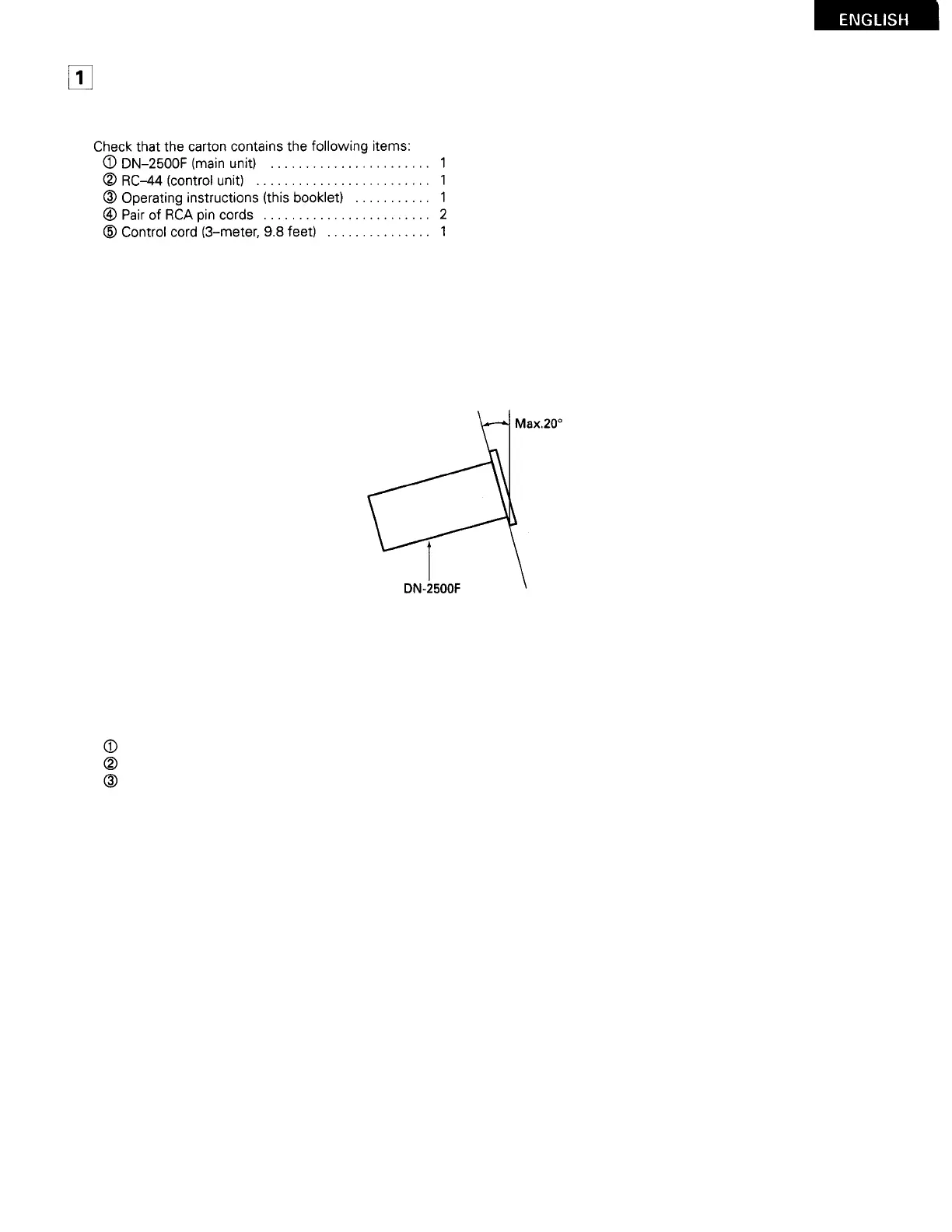
The DN-2500F will work normally when the main unit is mounted with the front panel within 20 degrees of the vertical plane.
I
f the unit is tilted excessively, discs may not load or unload properly. (Figure 5)
Figure 5
(3)
Connections
Turn off the POWER switch.
Connect the RCA pin cords to the inputs on your mixer.
Connect the control cord to the REMOTE connector on the RC-44.
CAUTION:
Be sure to use the supplied control cord. Using another type of cable may result in damage.
Be sure the power is off when connecting the control cord. Otherwise the units may not work properly.
9



 To Next Page