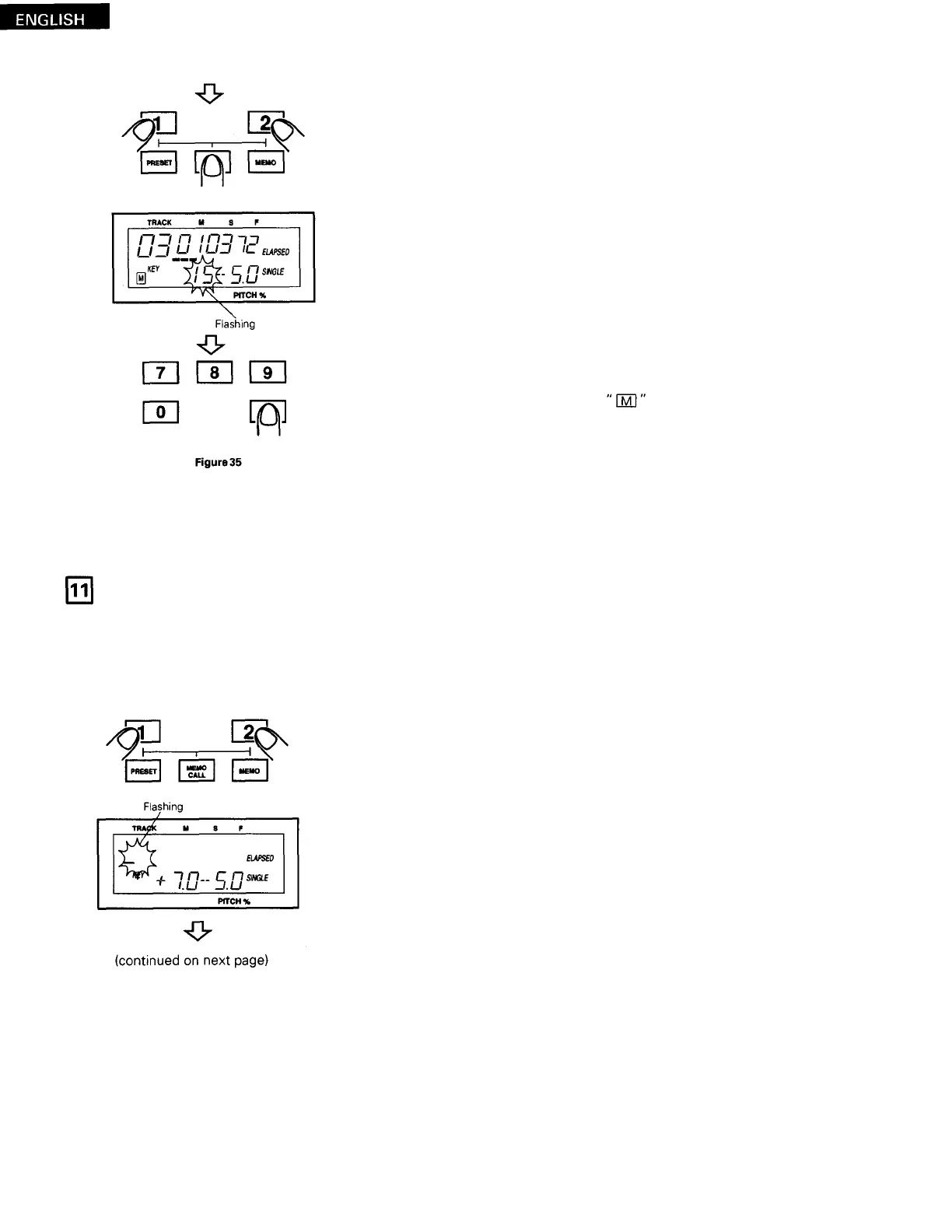
Press the CD 1 (or CD 2) button while pressing the MEMO CALL button.
Press the CLEAR button during the 3 seconds that the memory number
(
0 to 199) of the recalled data is flashing in the key section of the display.
(
The memory number and the
sections of the display.)
The data is now cleared.
NOTE:
Even when the data is cleared, the memory remains called out.
DIRECT SEARCH
The DN-2500F is equipped with a function for directly accessing a specific position on the disc or a specific index number using the
number buttons and the CUE and PLAY/PAUSE buttons.
(1)
Direct track and time search
Press the CD 1 (or CD 2) button.
(
" - "flashes in the track section of the display and the time section turns
off.)
turn off from the key and memory
2 6



 To Next Page