16
Troubleshooting
If you encounter a problem, do the following:
• Make sure all cables, devices, and/or media are properly and securely connected.
• Make sure you are using the unit as described in this User Guide.
• Make sure your other devices or media are working properly.
• If you believe the unit is not working properly, check the following table for your problem
and solution.
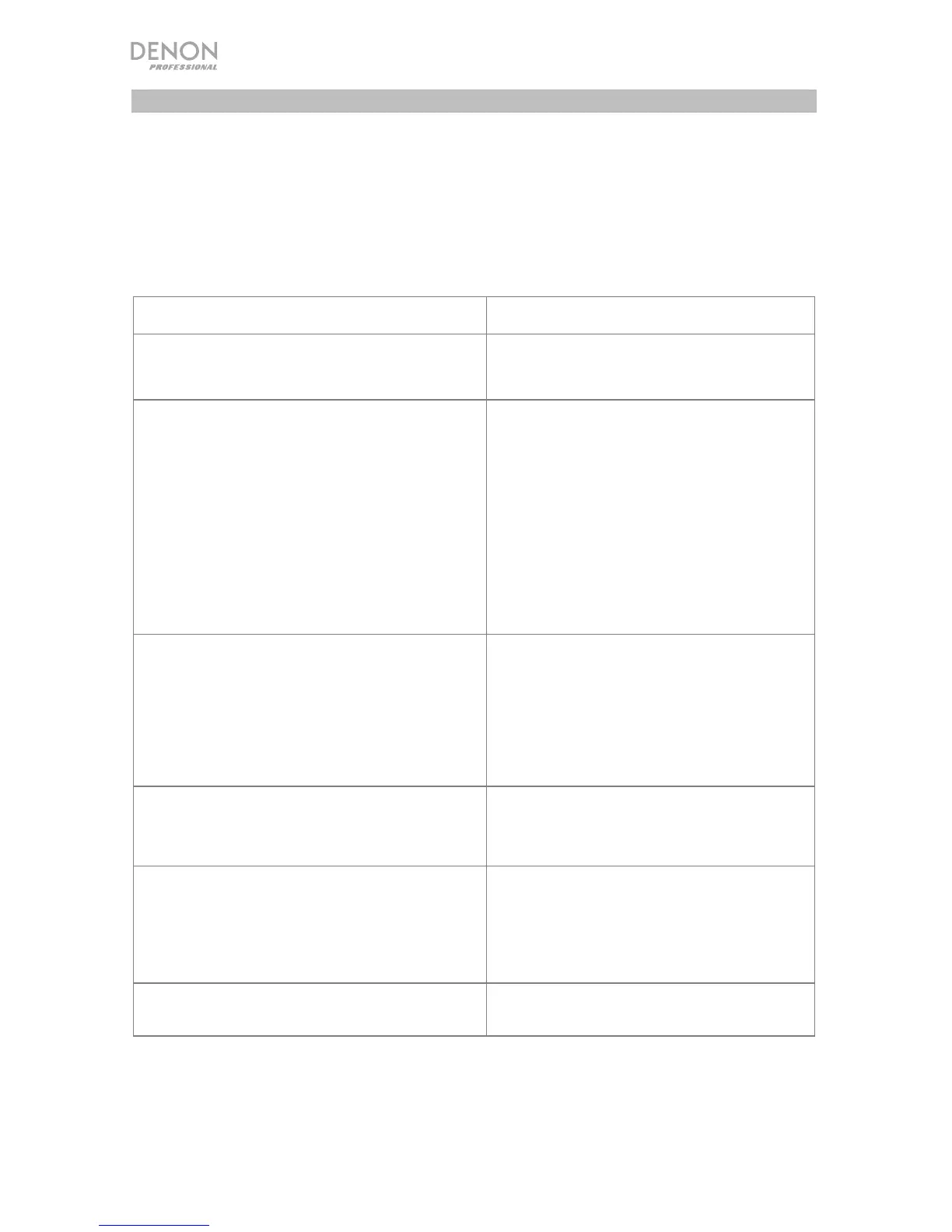
Problem Solution
Power does not turn on. Make sure the unit is properly connected to
a power outlet.
The unit does not produce any sound, or the
sound is distorted.
Make sure all cable, device, or media
connections are secure and correct.
Make sure none of the cables are
damaged.
Make sure the settings on your amplifier,
mixer, etc. are correct.
Make sure you have correctly set the
source and output settings.
Make sure the selected zones are not
muted.
The unit produces sound that is distorted. Make sure all cable, device, or media
connections are secure and correct.
Make sure none of the cables are
damaged.
Make sure the settings on your amplifier,
mixer, etc. are correct.
The source sound is too low, or the sound has
noise.
Make sure the gain is properly set.
Make sure the channel is set to receive the
proper Line-level or Mic-level signal.
The microphone does not produce any sound. Make sure the connections are secure and
correct.
Check with the microphone manufacturer
to see if the microphone needs phantom
power or not.
For stereo sound, the positions of the
instruments are inverted left/right.
Make sure the connections of the speakers
and inputs are wired correctly.


 To Next Page