Part names and
Functions
Connections Playback
Selecting
Files and
Folders
Getting Started
Control
Function
Information
26
Selecting
Media
Recording Edit FunctionSetting defaults
n Firmware Version
Displays the firmware version of the DN-700R.
Select “Utility” and rotate the jog dial to select “Firmware Version”, then press ENTER.
Displays the firmware version of the DN-700R.
n Format Media
Formats the currently used media (SD1/SD2/USB).
1
Select “Utility” and rotate the jog dial to select “Format Media”, then press ENTER.
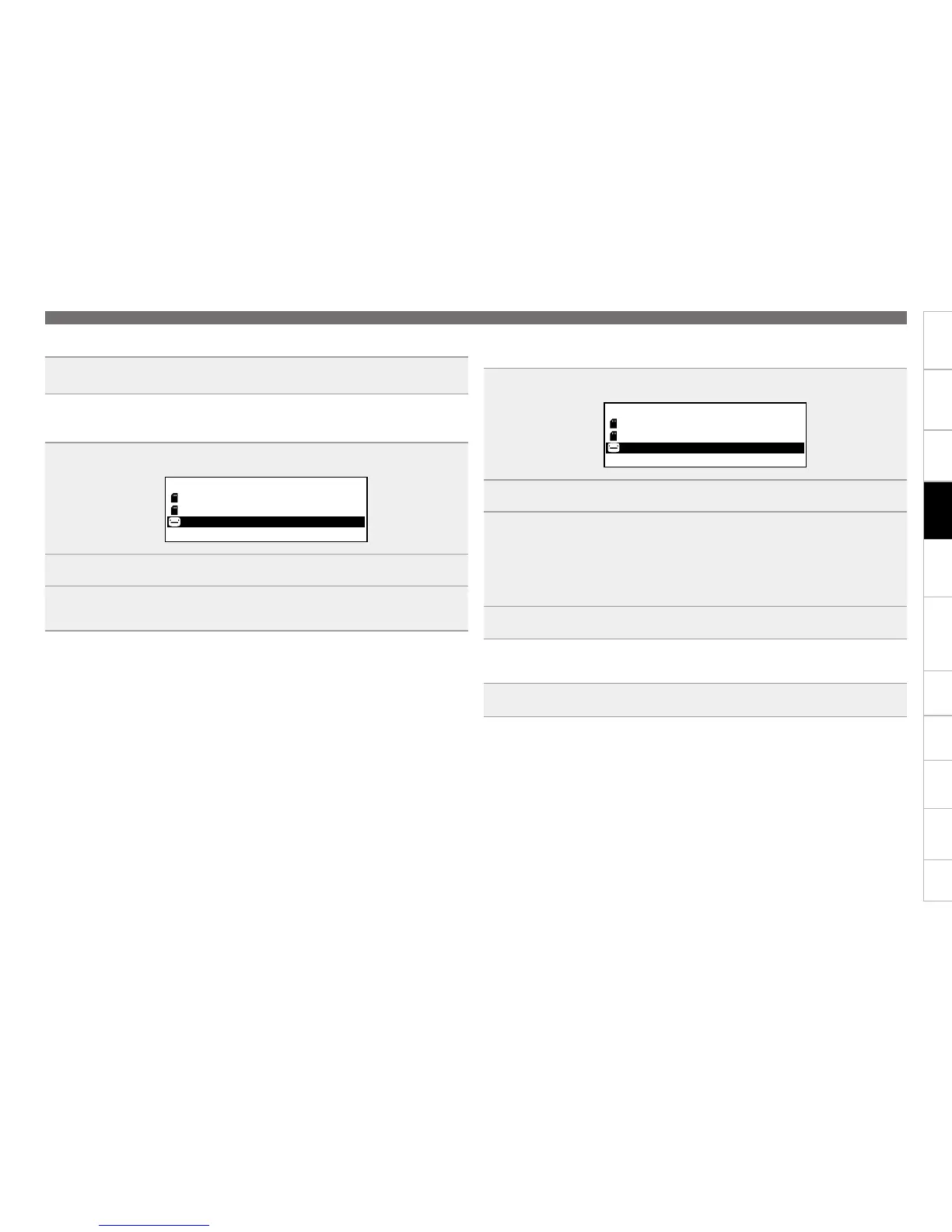
The media list is displayed.
Media List
USB: CURRENT
SD1(None)
SD2(None)
2
Rotate the jog dial to select the media, and press ENTER.
3
Select “OK” with the jog dial, and press ENTER.
“Formatting” is displayed during formatting, and “Completed” is displayed when the formatting is
complete.
n Speed Check
Checks the read and write speed of the currently used media (SD1/SD2/USB).
Always perform a speed check on media before using it.
1
Select “Utility” and rotate the jog dial to select “Speed Check”, then press ENTER.
The media list is displayed.
Media List
USB: CURRENT
SD1(None)
SD2(None)
2
Rotate the jog dial to select the media, and press ENTER.
3
Select “OK” with the jog dial, and press ENTER.
Media check starts and “Check Speed ...” is displayed.
•The following results are displayed when the speed check is complete.
“Good”: The checked media is suitable for use.
“Good w/o Rec Mon”: The checked media is suitable for simple recording but is unsuitable for recording
monitoring.
“Poor”: The checked media is unsuitable for use.
4
Select “OK” and press ENTER.
n Network Status
Displays network setting information.
Select “Utility” and rotate the jog dial to select “Network Status”, then press ENTER.
Network setting information (IP address/MAC address) is displayed.
Setting defaults


 To Next Page