25
ENGLISH
Random playback
• With the random play function, tracks are selected at random and played from the disc.
NOTE: Such functions as Hot Start, Sampler, Mirror Mix and Platter Effect do not operate during random
playback.
1
Random Play mode (Random On)
q In the Cue or pause
mode, push the PRESET
button for more than 1
sec to select preset
mode.
“Random On?” is selected when the
PRESET button is pressed twice at this
time.
w Push PARAMETERS
knob to set the
random play mode.
The unit will standby
at a track selected at
random.
3
Cancel Random Play (RandomOff)
t “Random Off” can be
selected when the
PRESET button is pushed
during random playback.
y Push PARAMETERS
knob to cancel
Random play. The
unit will return to the
normal play mode.
2
Start Random Play
e Push the
13 button on
the player that is in the
standby mode to start
random playback.
r You can use random repeat
play function by pushing the
EXIT/RELOOP button.
Relay playback
1
Start Relay Play
q Push the RELAY button
for more than 1 sec to
enable Relay play mode.
You can set Relay mode
as below.
• In the single play mode, when the one
player’s playback reaches end of track,
another DN-S5000 starts playing.
• In the continuous play mode, when the
whole tracks on one side are finished,
another DN-S5000 starts.
• The discs in two DN-S5000s can be
played alternately by setting both DN-
S5000 to the relay play mode.
• Relay play can be set in the program and
random play modes.
Power on play
• When “POWER ON PLAY” is set to “ON” at “⁄4 PRESET (10)”, playback starts from the first track on the
disc when the power is turned on.
2
Stop Relay Play
w When the RELAY button
is pushed for more than 1
sec while in the relay play
mode, the relay play
mode is turned off.
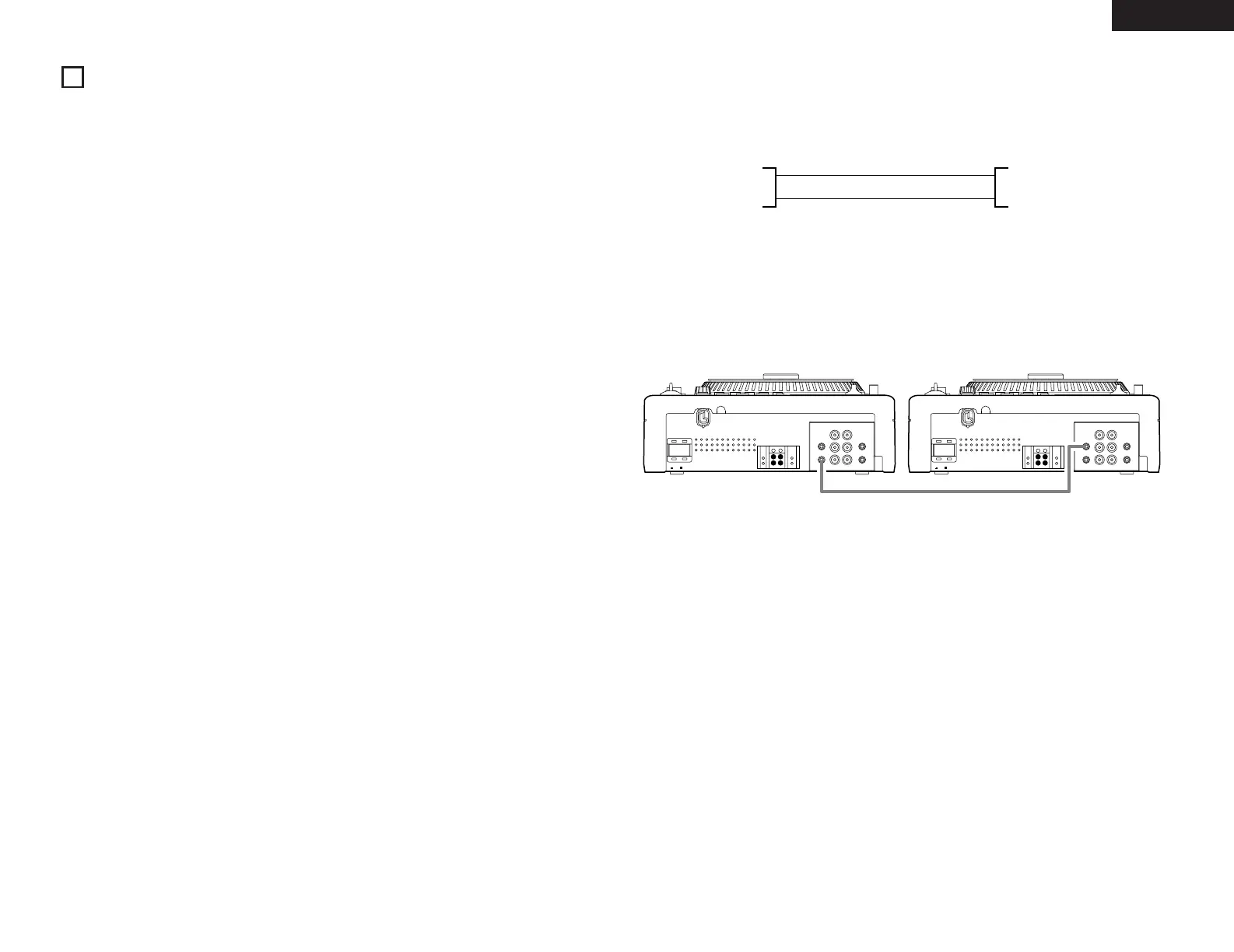
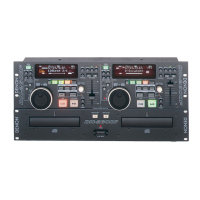
• Relay Play function is a playback mode to continue play tracks of CDs in two DN-S5000s.
• Connect the X-EFFECT IN/OUT terminals between two DN-S5000s.



 To Next Page