-2-
17
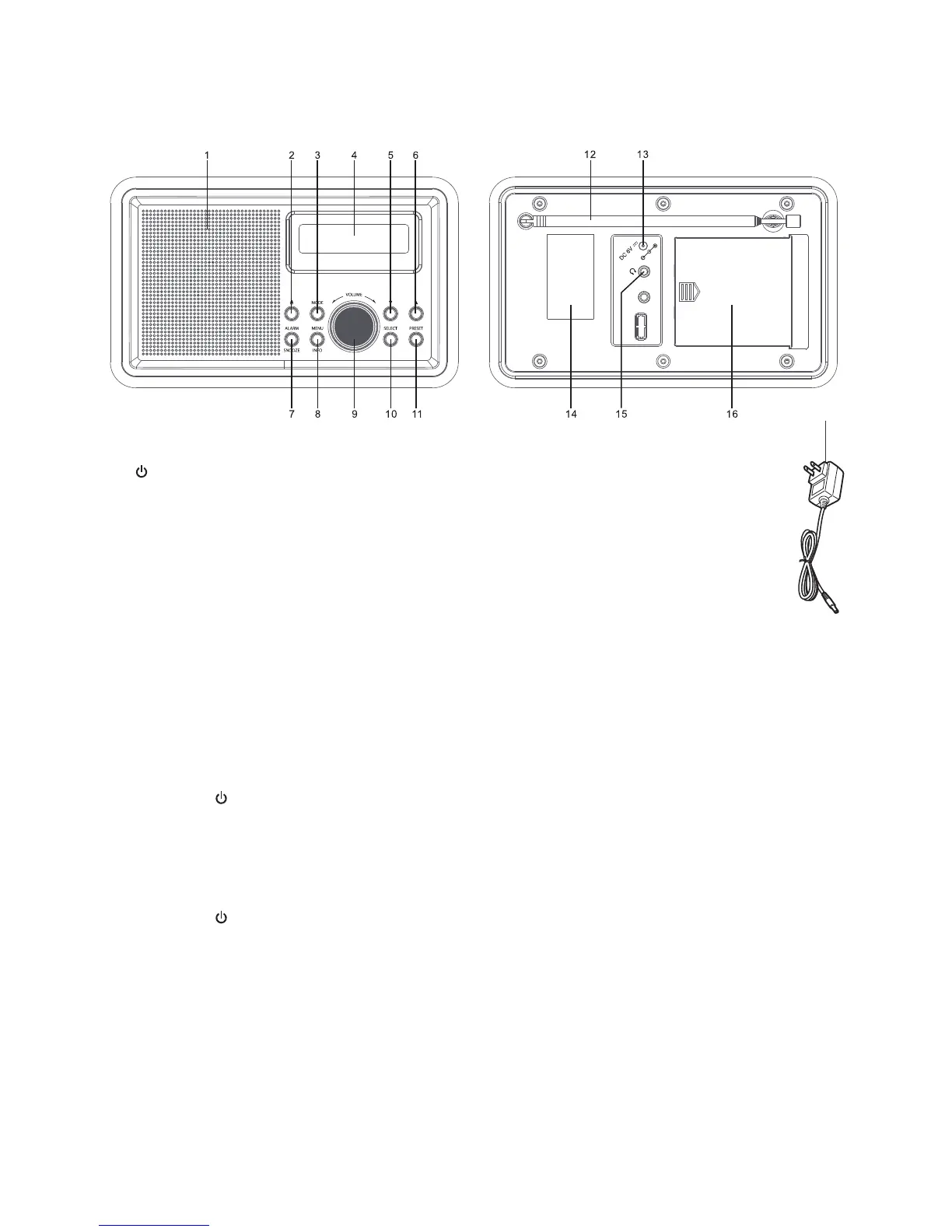
PARTS
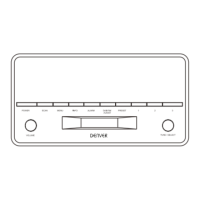
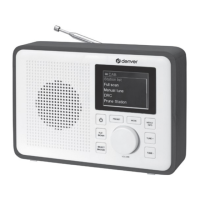
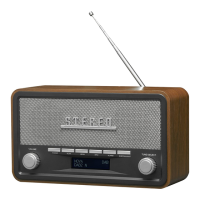
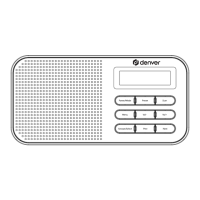
Front view Rear view
SWITCHING YOUR RADIO ON FOR THE FIRST TIME
AC Operation
1. Insert the DC power jack of AC/DC adaptor to the DC input socket located at the rear of the
radio.
2. Plug the AC/DC Adaptor to the AC mains outlet.
3. Press the STANDBY to turn the radio on.
Remarks: If the AC Adaptor voltage is over than 6V, it will possible make the line damage.
DC (battery) operation
1. Ensure the AC/DC adaptor is disconnected from the radio and AC mains.
2. Installed the batteries (4×1.5V UM3/AA battery) into the battery compartment.
3. Press the STANDBY to turn the radio on.
Remarks: To obtain the best performance in DC operation, the use of alkaline batteries is highly
recommended.
Menus:
The following controls are used to move about the menu tree to choose and select the required
settings:
Press and hold MENU/INFO button to enter into the “MENU”. Press the TUN/CH▲ or TUN/CH▼
button to navigate the desire option, then press SELECT button to confirm.
1. SPEAKER
2. STANDBY BUTTON
3. MODE BUTTON
4. LCD DISPLAY
5. TUN/CH▼ BUTTON
6. TUN/CH▲ BUTTON
7. ALARM/SNOOZE BUTTON
8. MENU/INFO BUTTON
9. VOLUME CONTROL
10. SELECT BUTTON
11. PRESET BUTTON
12. ROD ANTENNA
13. DC INPUT SOCKET
14. RATING LABEL
15. HEADPHONE JACK
16. BATTERY DOOR
17. AC/DC ADAPTOR



 To Next Page