ADJUSTING THE VOLUME
To adjust the volume:
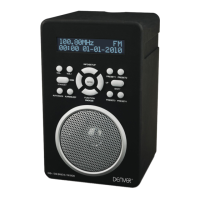
Turn the • Volume Control clockwise to increase or anti-clockwise to decrease the volume.
The volume level will be displayed on a bargraph.
Your radio can also receive FM band radio stations.
To change between the DAB and FM bands:
Press the• Mode button.
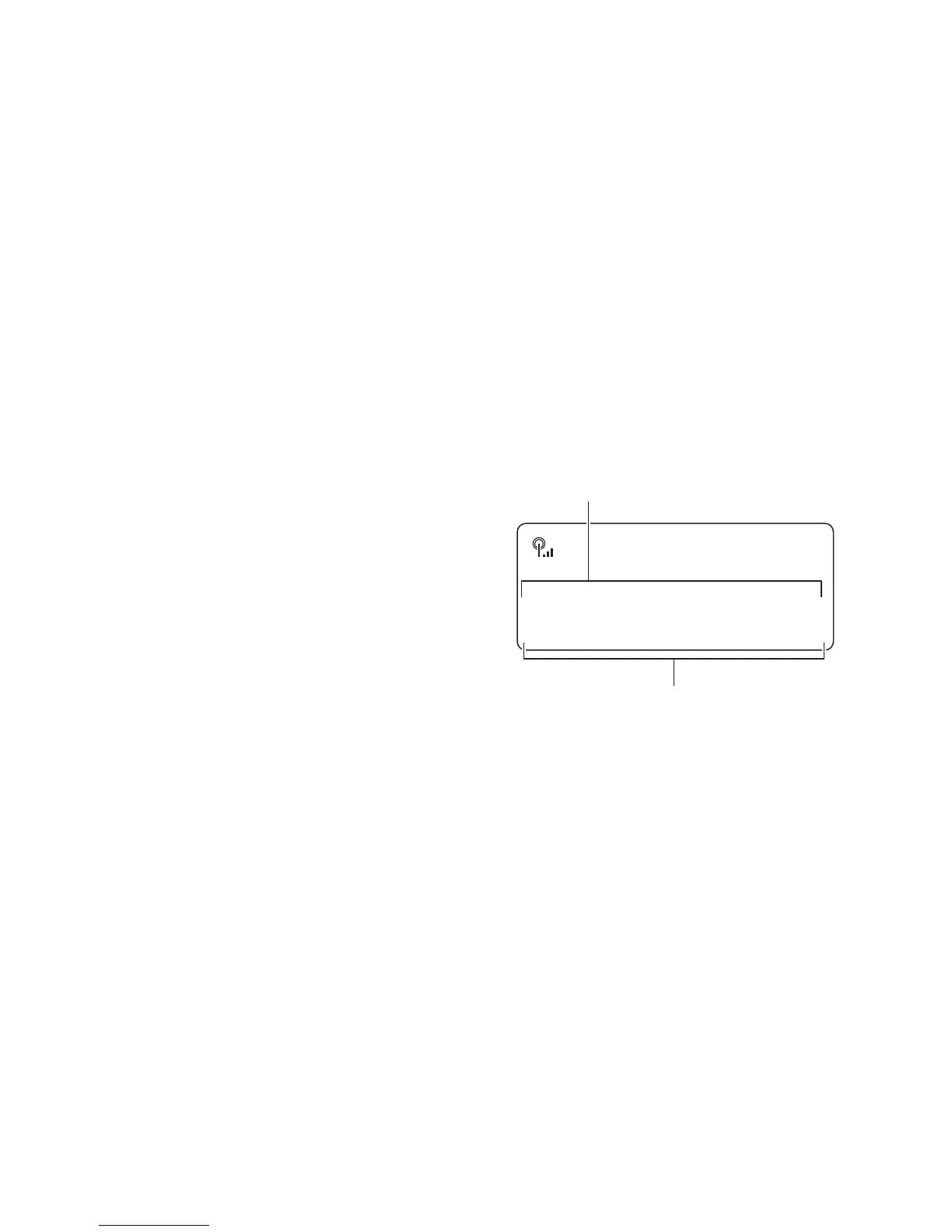
The radio will change band and the station name (DAB) or tuned frequency (FM) will be shown on the display.
DAB/FM BANDS
FM RECEPTION
Select the FM band.•
The station name and RDS information text will be
displayed. If RDS data is not available, the station frequency
will be displayed.
To scan for FM stations:
Press the • Scan button to scan the band for stations.
Tuning will stop automatically when the next station is reached.
reached.
To change the scan direction:
Before pressing the • Scan button, turn the Select/Station control clockwise slightly to set the radio to
scan up the band or anti-clockwise to scan down the band.
To manually tune to FM stations:
Turn the • S
elect/Station control clockwise to tune up or anti-clockwise to tune down the band in 0.05MHz steps.
STEREO/MONO RECEPTION
Setting to mono mode may improve sound quality in areas where a weak aerial signal results in a high level of
background noise.
To switch between Stereo and Mono:
Press the • Select/Station control.
The sound will switch between stereo and mono.
20:46
BBC R4
.scrolling text.
FM
Station name/frequency
Information text (when available)
ENG-5



 To Next Page