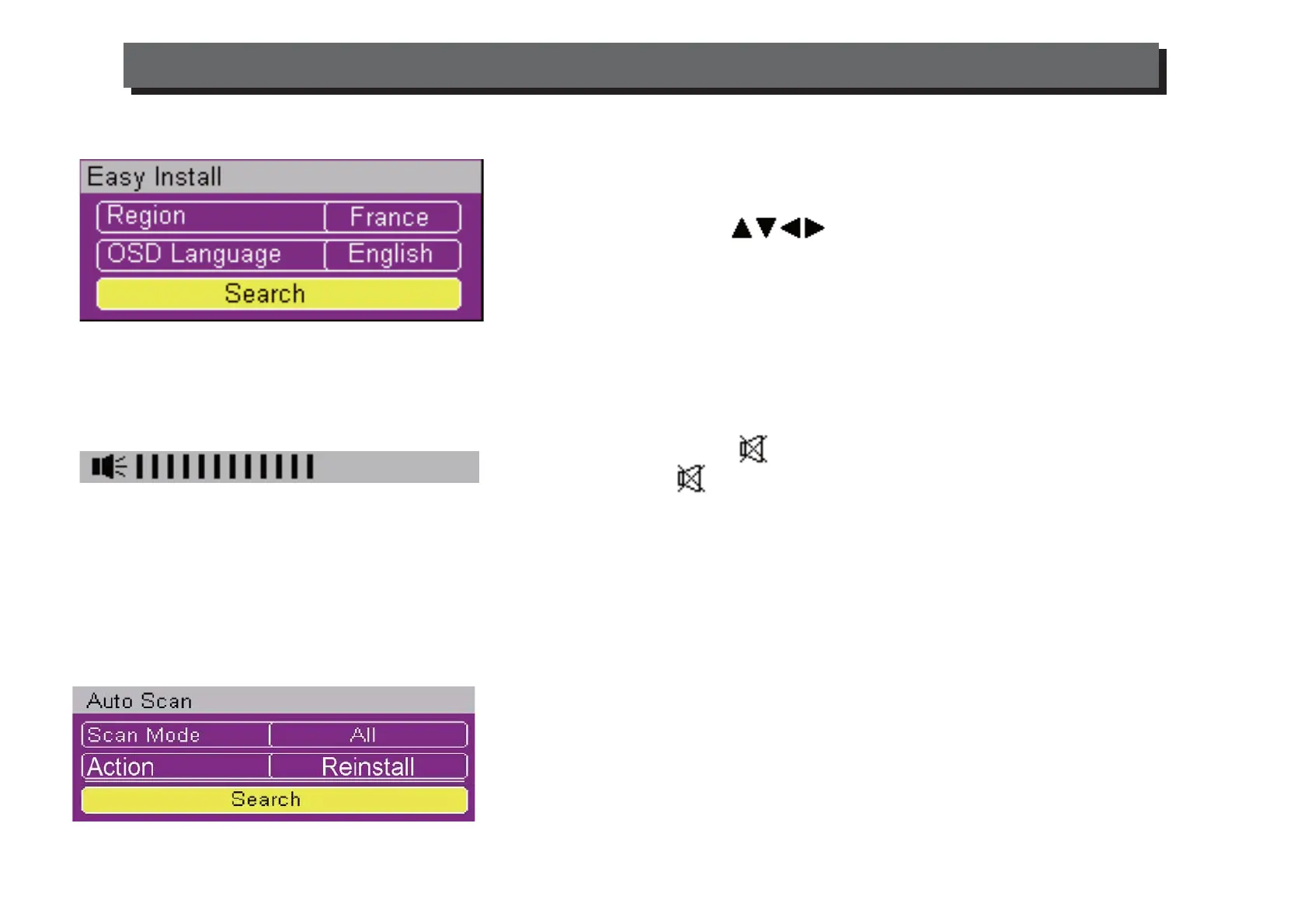
1. First Time Installation
1. When the Set Top Box is switched on for the first time, a "Welcome
Page" will be displayed.
2. Use the arrow keys to select the "Region" and "OSD
Language".
3. Move highlight to "Search" button and press "OK" to begin the
channel scan.
2. Volume Control
Use the "VOL+" and "VOL-" keys to increase or decrease the volume.
By pressing the "Mute" key, the audio will be turned off.
Press the "Mute" again or press the Volume Keys to turn on the
audio.
In Main MenuInstallationChannel Scanset the appropriate
parameter. Move the highlight bar to "search"button. Press [OK] key to
scan Channels.
3. Channel Scan
There are two different ways to Scan Channels.
In the Main Menu
Installation
Auto Scan, Move the highlight bar to "search" button. Press [OK] key to scan
all the Channels.
ENG-4
USING THE SET TOP BOX



 To Next Page