Set photo as background
Click to set the current photo as the desktop background
Auto view
Click to enter photo auto view mode, click to select the interval time.
Note:
1. Maybe some JPEG photo files that used for IPOD computer can't be viewed on this player.
Please use the Windows assortive Draw etc. tool to convert, then copy on the player to view.
2. The photos with larger pixel will show slowly. Also will be a little slow to view the photos when
playing the music or appear music card or photo card between times
3. JPEG pixel max support among 6000*6000; GIF max support among 900*900.
Click to exit to last menu,click direct exit to the main interface.
FM Radio
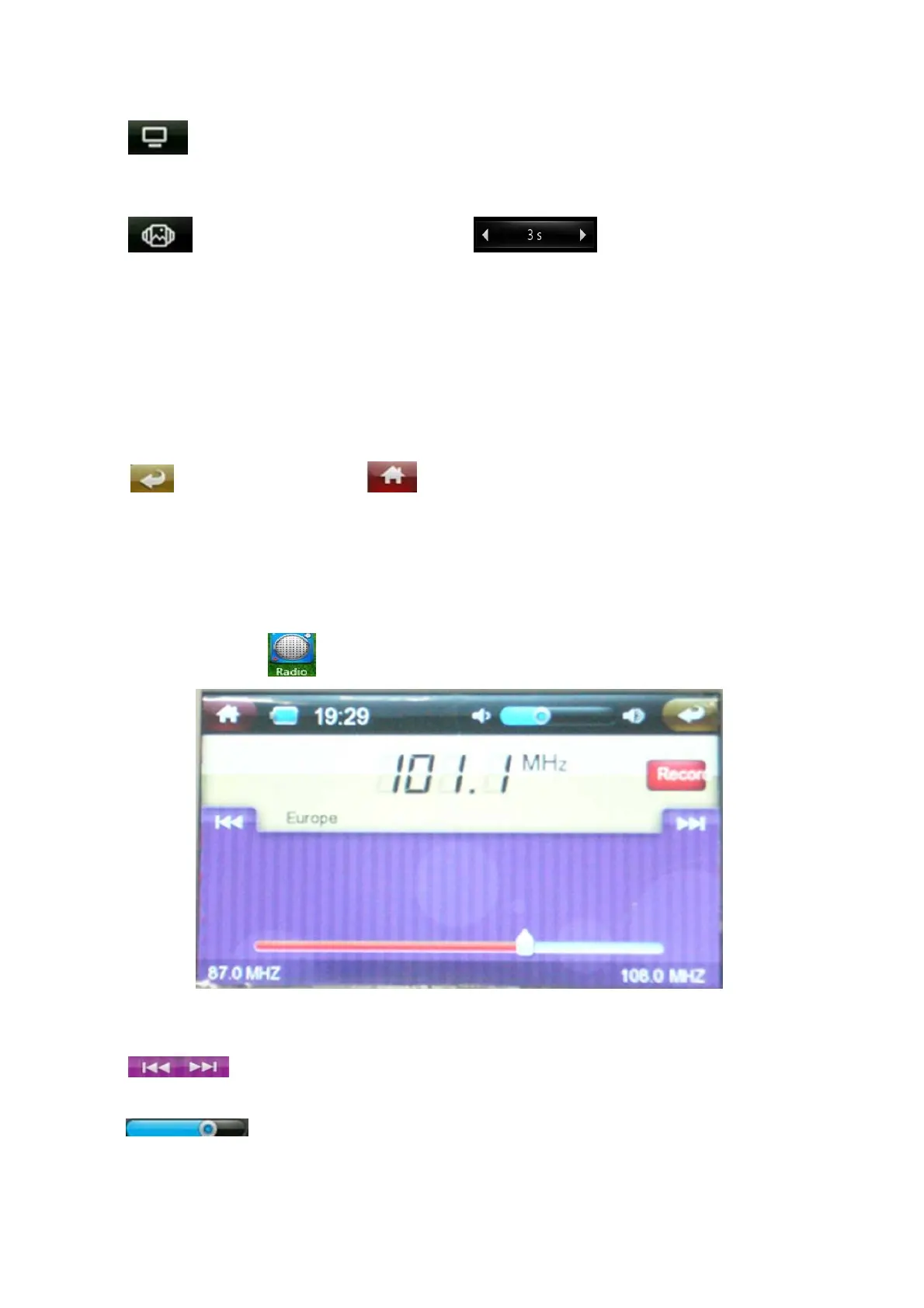
Under main menu, click to enter FM .
Adjust frequency
Click to adjust the frequency
Volume adjust
Drag to adjust the volume


 To Next Page