FM Record
Click to record the current channel
Enter to the submenu
Clik and hold the status bar,drag from up to down to enter function setting, there are search by ha
nd ,auto search,save channel,Extract channel,receive area,stereo switch function for selction.
Exit
Click
to return to last menu, click direct return to the main interface.
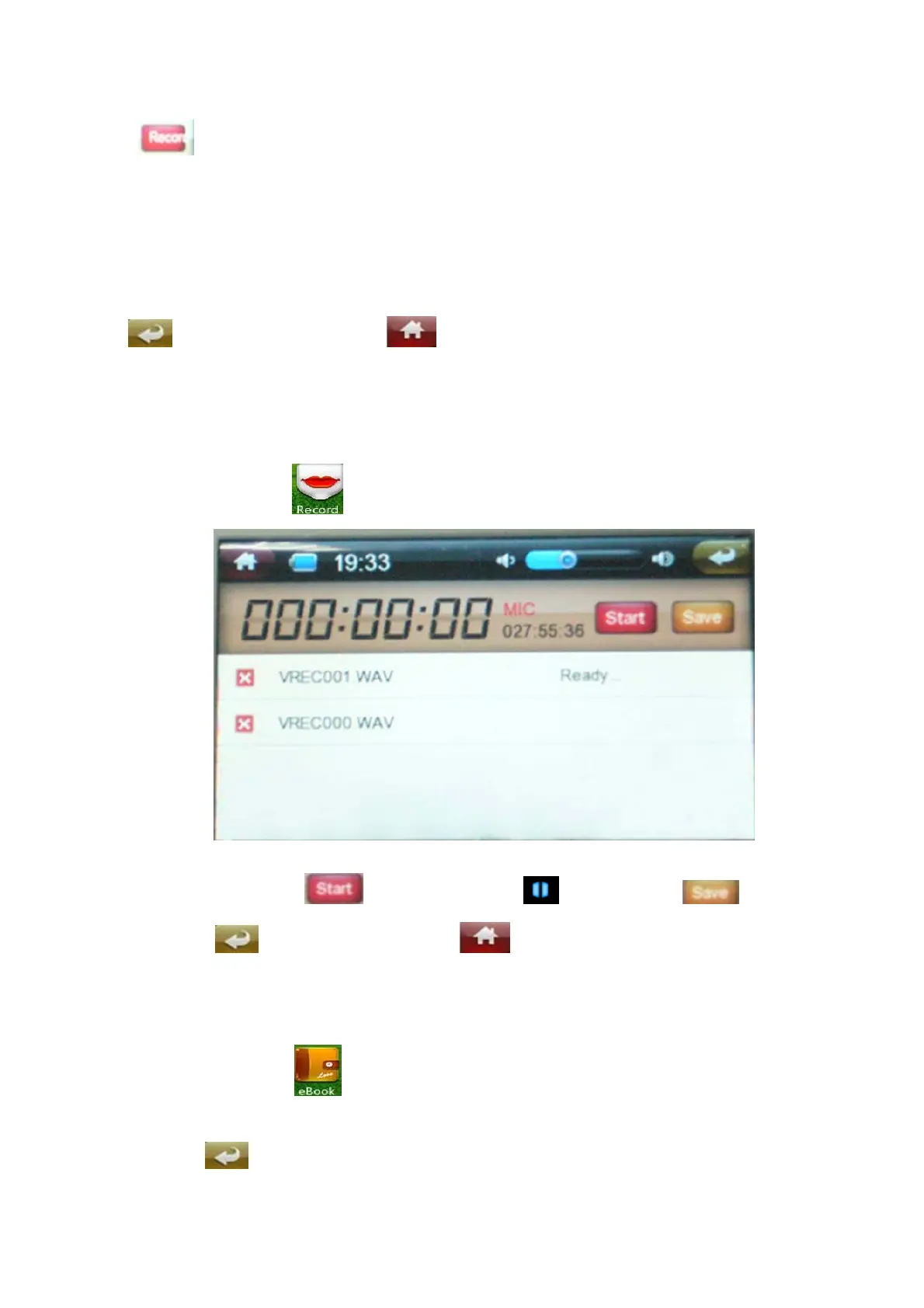
Record
Under main interface, click to enter record interface.
Under record interface, click to start record, click to pause, click to save the
record file. Click retuen to last menu. Click direct return to the main interface.
E-book
Under main interface, click to enter e-book play list. Slide the screen up and down to select
the file, or direct click the file to read. Under reading status, touch the screen for 2 seconds to enter
submenu. Click return to last menu.


 To Next Page