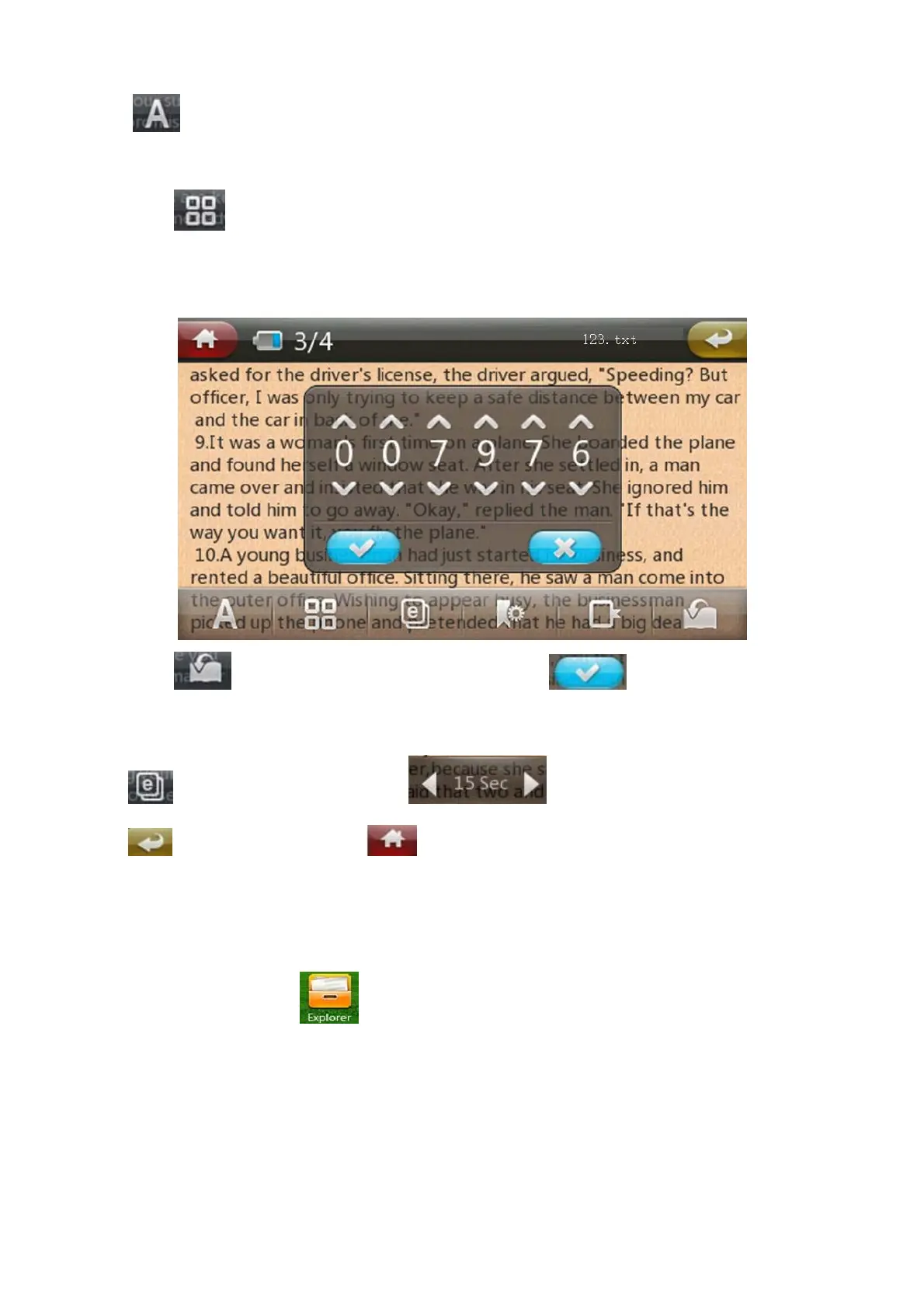
Click to select font size, click by circle can change different size .
Background color
Click to select different background color, click by circle can change different
background color.
Manual set flip page
Click to select the page you want to read, click to confirm.
Auto jump page
Click to select auto jump page, click to select the interval time.
Click return to last menu, click direct return to the main interface.
Explorer
Under main interface, click to enter explorer list, under Explorer , when insert TF card,
there are Flash ,TF card for selection.


 To Next Page