Select file
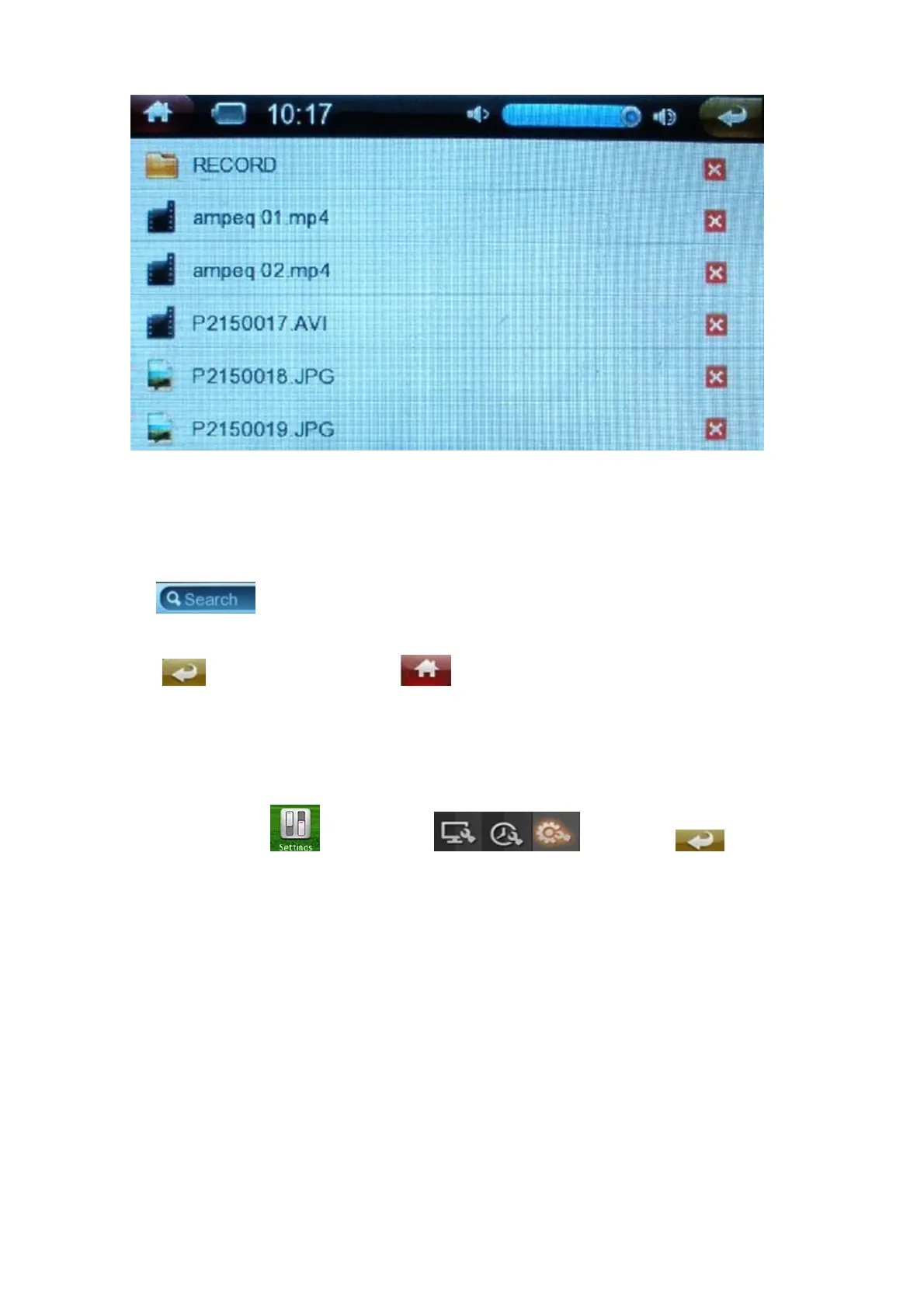
Slide the screen up and down to select the file, then click to enter.
Delete file
Click X red icon to delete the current file.
Search
Click to input the file name.
Click return to last menu, click direct return to last menu.
Settings
Under main menu, click to enter, click to set, click to exit to the
main interface.


 To Next Page