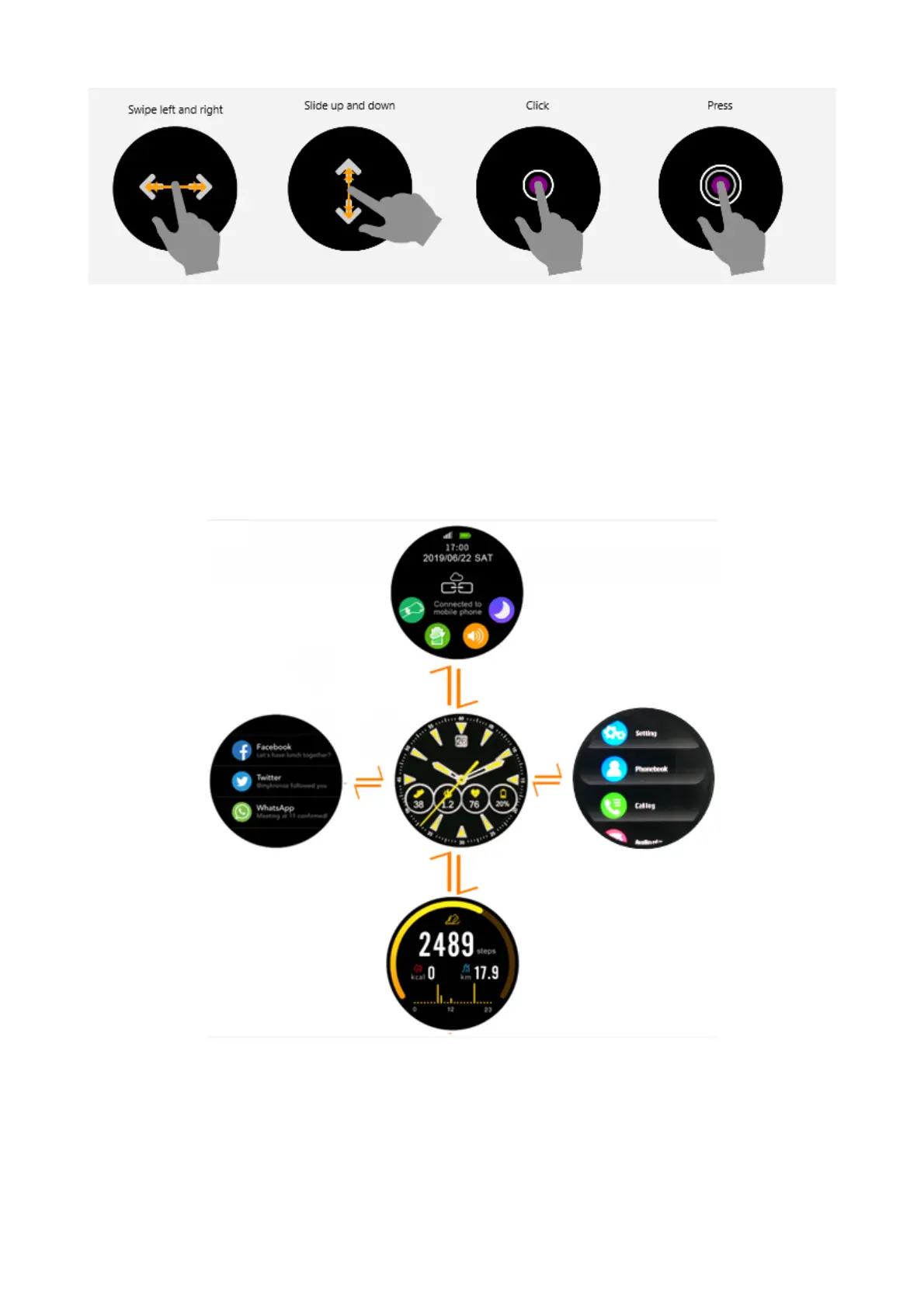
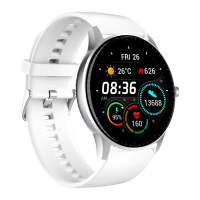
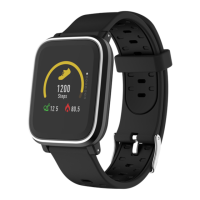
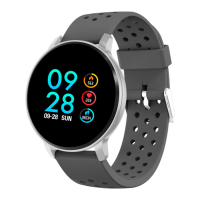
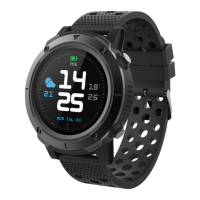
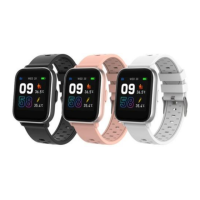
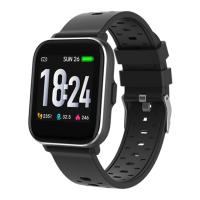
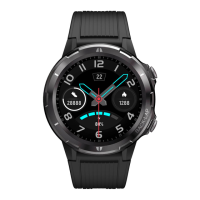
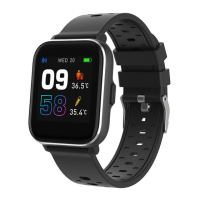
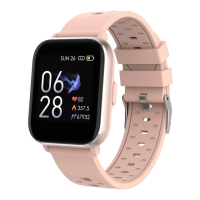
When turning on smart watch, you will see the watch face.
From the watch face interface, swipe left to get into main menu,
right to get connection reminder or notification shortcut page, up
to get sports data and down to get basic settings.
Install “Denver Smart Life” app on the phone
ENG-4


 To Next Page