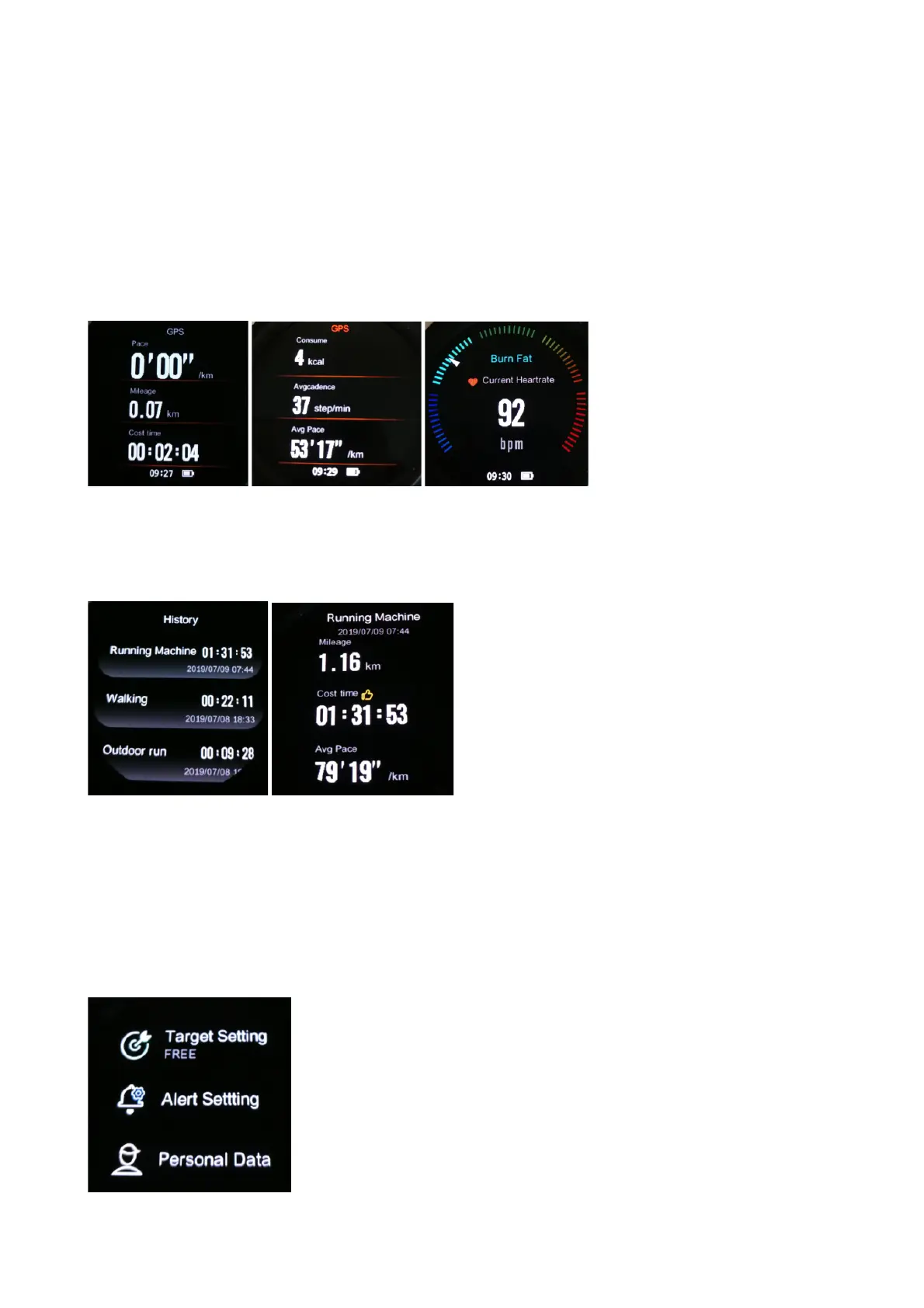
Swipe from left to right, record of your sport data will be paused.
Click “Resume” to return and display real-time data of your sport.
Click “End” to end your sport, your sport data will be saved
automatically, and the sport data page will pop up.
Please note, if your sport time is very short, sport data cannot be
saved.
3. History
You can view your sport history with detailed sport data, such as
mileage, cost time, averange pace, calories etc. And you can slide
to the bottom and click delete to delete this sport history.
4. Sport Setting
ENG-9


 To Next Page