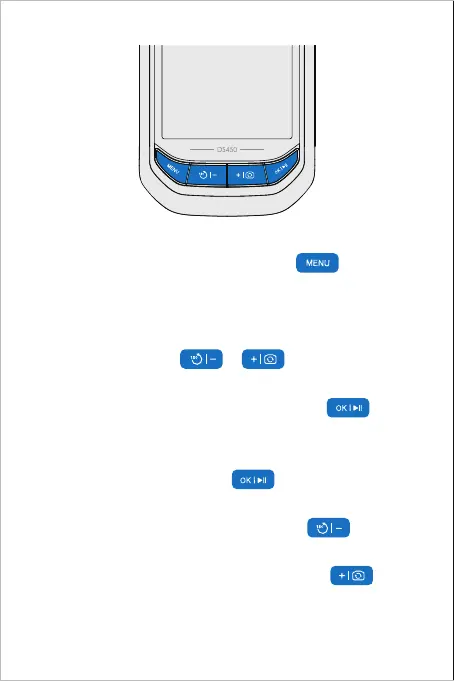
For more settings, enter the menu with Button
To adjust the lights of the camera, move the cursor in the menu, or
switch to previous/ next files in the album, please
Click the or Button
To confirm choices in the menu, please Click the Button
To open/ close the album (required TF card inside),
please Hold the Button
To rotate the image 180°, please Hold the Button
To switch the main / side camera, please Hold the Button
(Note: For Dual Camera Version Only)
To start video record, please Hold the Button



 To Next Page