Safety Information
10 / 268 06/2021
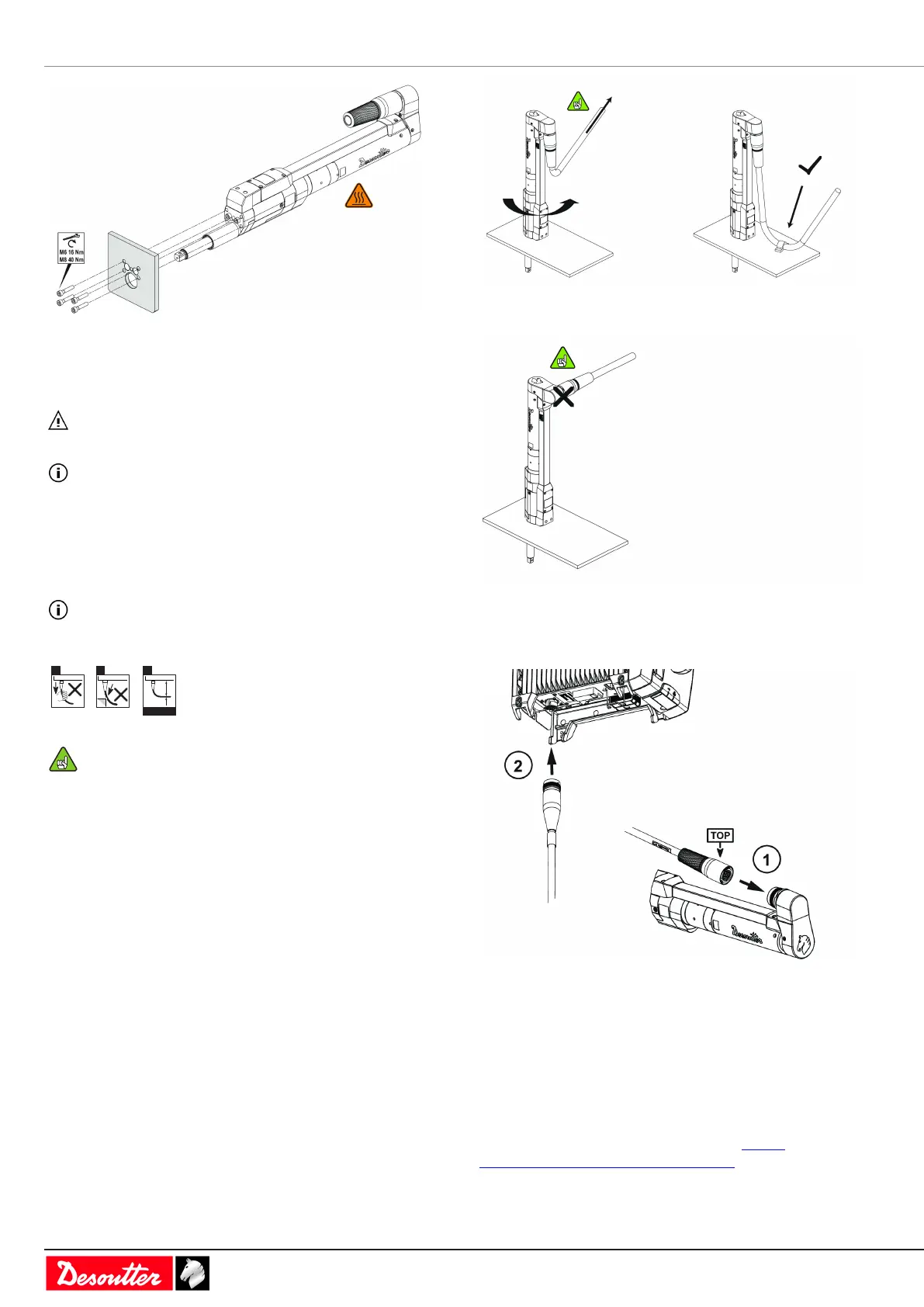
Ensure that the mounting plate thickness is consistent with
that indicated in the chapter Dimensions.
Use only screws with quality class 12.9.
WARNING Risk Of Electric Shock
The frame where tools are clamped must be earthed.
Be sure that the motor is free of motion to enable torque
measurement.
Warning: in case of installation in a wheelnut tightening ma-
chine, an additional mounting plate must be mounted next to
the output drive.
Read before installing tool cables
Do not connect several extension cables together.
Preferably use the longest length of extension cable and
the shortest length of tool cable.
Although our tool cables are designed to work under
drastic conditions, we recommend that you check the
following points for longer service life:
a - Any direct pull on the cable should be avoided.
b - Friction with the outer sheath should be restricted.
c - Bending radii should not be lower than 10 times
the cable diameter.
Instructions for cables of fixtured tools
The cable shall not apply any traction to the tool. Any trac-
tion force on the cable (even low intensity depending on the
cable orientation) can generate a torque signal on the trans-
ducer.
Check the cables are long enough or clamp the tool cable on
the frame as shown below.
Do not set up the tool cable as shown below.
Connecting the tool to the controller
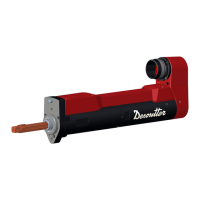
EFDO tools are designed to be connected to a CVI3 con-
troller.
1. Connect the cable to the tool with help of "TOP" indi-
cation.
2. Connect the cable to the controller.
Starting the tool
Power on the system to which the tool is connected.
Refer to the Safety Information manual of CVI3 controllers
(printed matter: 6159932290) available at https://
www.desouttertools.com/resource-centre.
Fit the tool with a suitable socket.
Select the appropriate program on the system.




 To Next Page