13
V75
7.1 UV detection
7.2 MG detection
7.3 IR detection
The users can choose the detection function according to their needs.
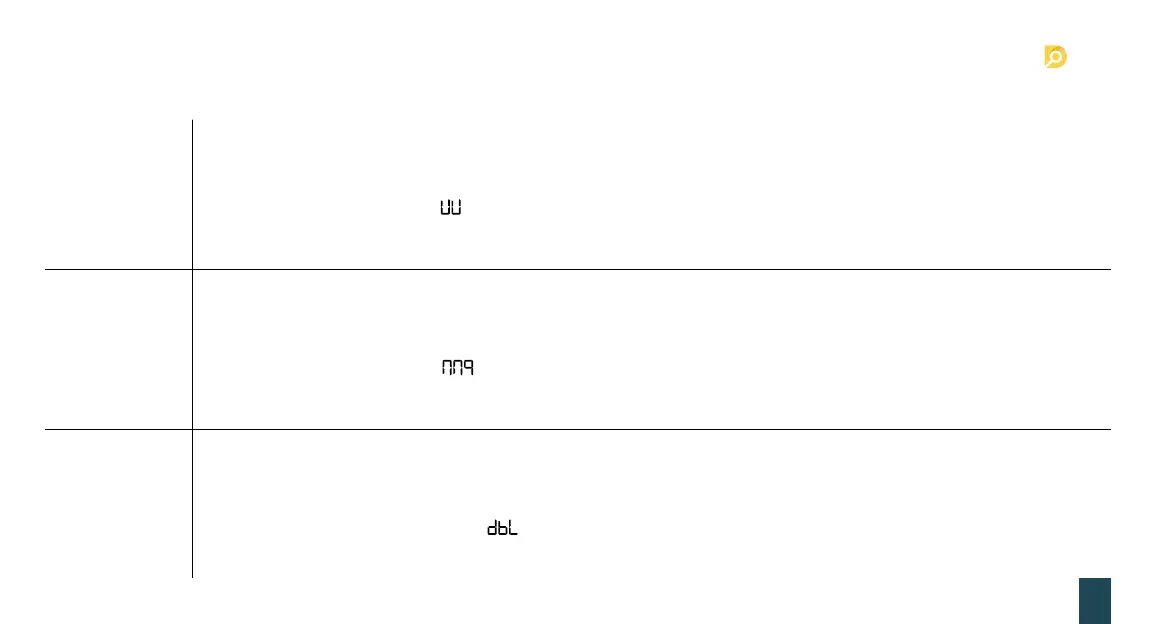
• Press MODE choose to turn on the UV function, when the display show “UV”, it means the UV function is on; otherwise, the
UV function is off.
• Check the banknote with UV feature.
• During the counting, if the machine detects a dubious note, the machine will stops counting and emit beeping sound,
while the display will show the message, the user should take away the last banknotes from the stacker and check.
Then the user can press “START” to continue counting or take all the banknotes from the stacker to count again.
• UV sensitivity setting (details please refer to the Point 7.7: machine sensitivity parameters setting).
• Press MODE choose to turn on the MG function, when the display show “MG”, it means the MG function is on; otherwise,
the MG function is of.
• Check the banknote with MG feature.
• During the counting, if the machine detects a dubious note, the machine will stops counting and emit beeping sound,
while the display will show the message, the user should take away the last banknotes from the stacker and check.
Then the user can press “START” to continue counting or take all the banknotes from the stacker to count again.
• MG sensitivity setting (details please refer to the Point 7.7: machine sensitivity parameters setting).
• Press IR to choose to turn on the IR function, when the display show “IR”, it means the IR function is on; otherwise, the IR
function is off.
• Check the banknote with IR feature or double.
• During the counting, if the machine detects double or dubious note, the machine will stops counting and emit beeping
sound, while the display will show the message, the user should take away the last banknotes from the stacker and
check. Then the user can press “START” to continue counting or take all the banknotes from the stacker to count again.
• IR sensitivity setting (details please refer to the Point 7. 7: machine sensitivity parameters setting).
7. Detection function setting


 To Next Page