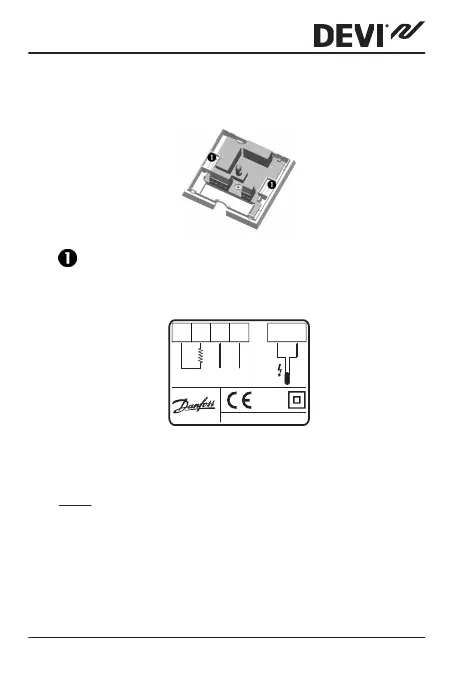
2. Fasten the thermostat directly to the wall by driving
the screws through the holes in each side of the ther-
mostat.
= Screw holes for fastening the thermostat.
3. Connect the thermostat according to the connection
diagram.
IP30
0T30
D132
NTC
LN
1
2
3
4
Sensor
Max.Load
16
(1) A
Mains
220-240V~
N
L
OAD
L
LOAD
The screen of the heating cable must be connected
via a connector together with the earth conductor of
the power supply cable.
Note: Always install the floor sensor in a conduit in the
floor.
DEVIreg™ 132
Installation Guide 9



 To Next Page