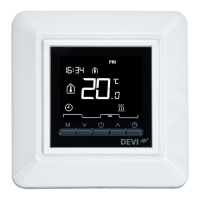
The thermostat has a forecast function. When this function
is active (i.e. FORECAST is set to ON when you press SET-
TINGS menu and then OPTIONS), you only need to select
the time at which you require comfort and economy tem-
peratures. The thermostat will then calculate when the
heating should start in order to reach the desired tempera-
ture at the specified time.
How to define comfort and economy periods
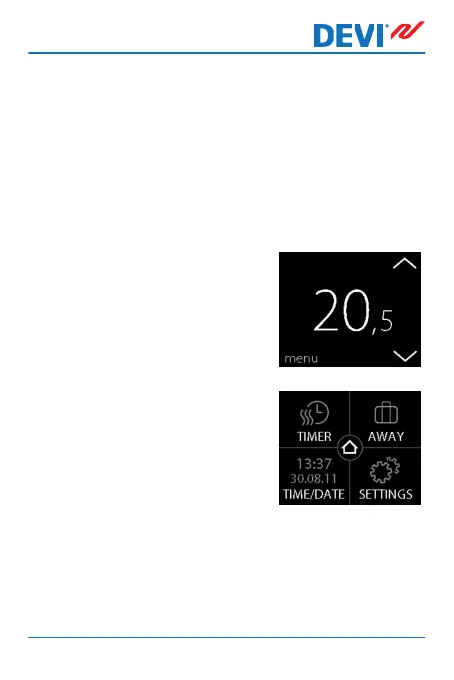
1. Touch the thermostat display
to activate it, then press
menu.
2. Press TIMER in the upper left
corner of the menu. Then
press ADJUST SCHEDULE
DEVIreg™ Touch
User Guide 11



 To Next Page