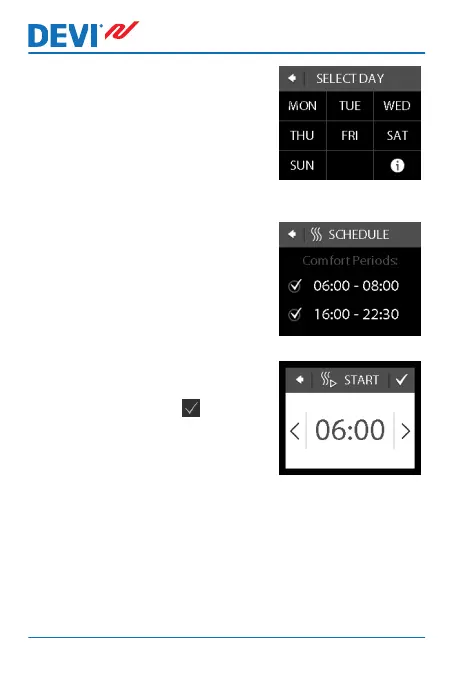
3. Press a day of the week on
which you want to switch be-
tween comport and economy
periods. You can define up to
2 comfort periods a day (and
thereby also 2 economy peri-
ods).
4. Press the first time indication
(i.e. 06:00 in the displayed ex-
ample) to define start time for
the first comfort period.
5. Press the < and > arrows to
set the start time of the com-
fort period. Press to con-
firm.
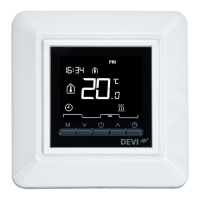
DEVIreg™ Touch
12 User Guide



 To Next Page