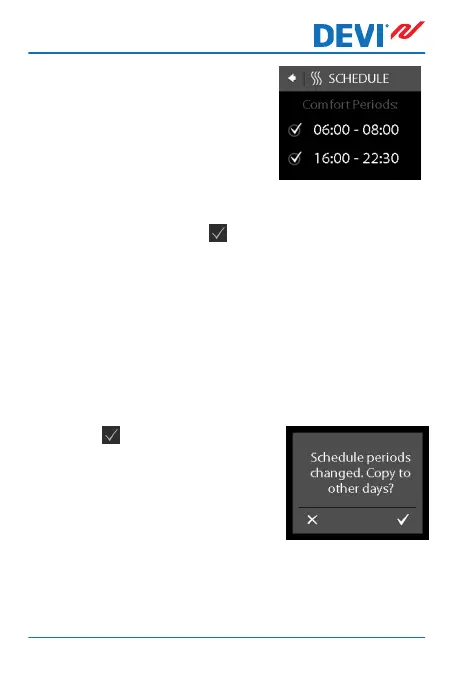
6. Press the end time of the first
comfort period to define it
(i.e. 08:00 in the displayed ex-
ample).
7. Press the < and > arrows to set the end time of the
comfort period. Press to confirm.
8. Repeat Steps 4 to 7 to define the start time and the
end time of the second comfort period if you need it.
If not, press the check mark next to the second com-
fort period in order to deactivate it.
Note: All time intervals outside the defined comfort peri-
ods are automatically regarded as economy periods.
9.
Press
to confirm your com-
fort periods.
A screen will now appear that
lets you copy the specified
comfort periods to other days
of the week.
DEVIreg™ Touch
User Guide 13



 To Next Page