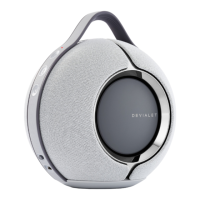
INTRODUCTIONPHANTOM WITH DIALOG
22
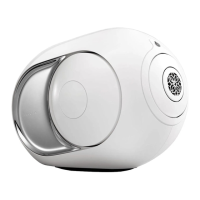
PHANTOM WITHOUT DIALOGSPARK
LEFT SECTION
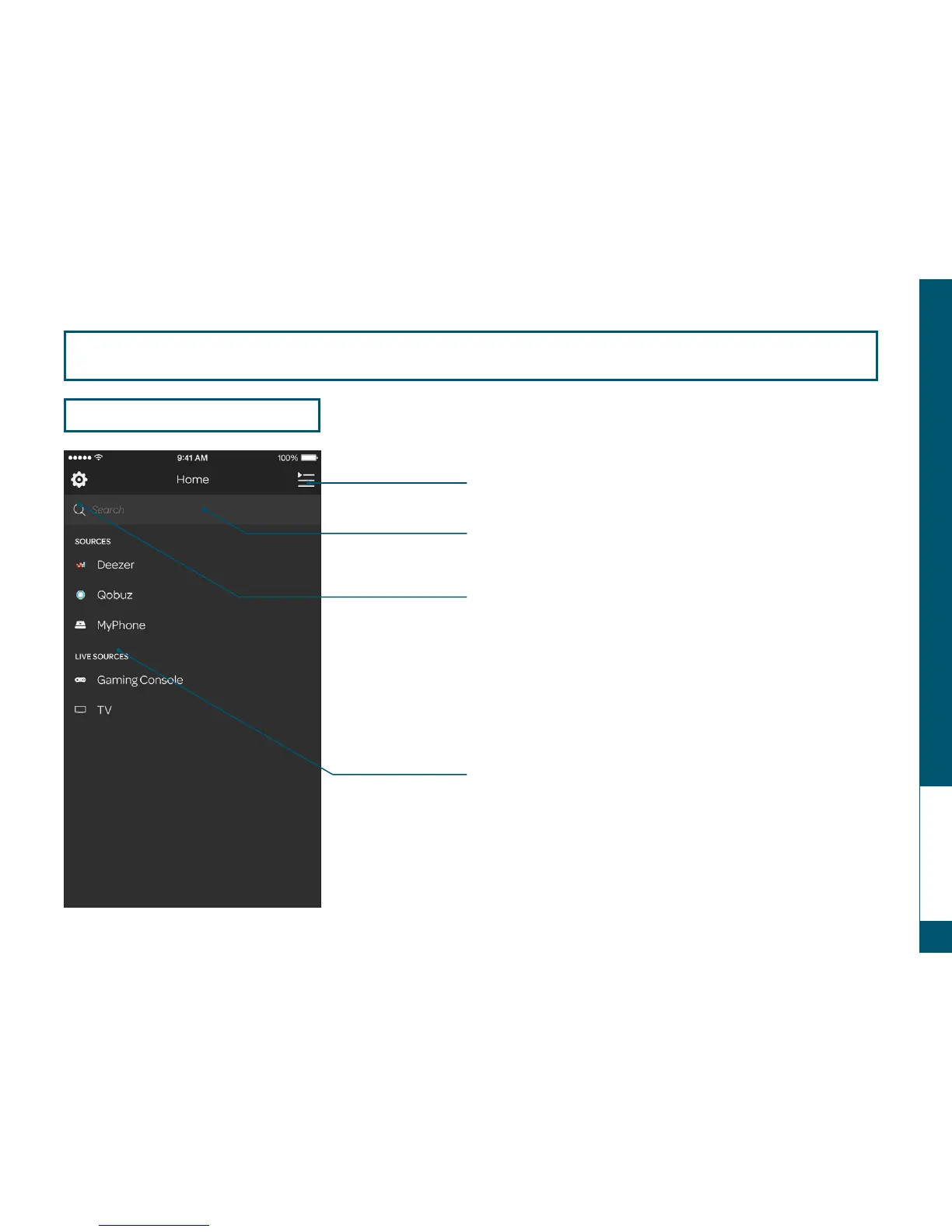
SMARTPHONE OR TABLET USER INTERFACE
Switch to the central section
Search for an album,
artist or a title
Navigate between
different sources
Add, remove or manage the different
sources/ configure the access to
the online music service
To play, select your source
then drag and drop in the central side.
Optical source (CD, DVD…) must be
connected to a PHANTOM or DIALOG with
a TOSLINK « optical cable » to be accessible
(cf « Install PHANTOM »).
You need DIALOG to use online music
services (accessory sold separately).


 To Next Page