INTRODUCTIONPHANTOM WITH DIALOG
9
PHANTOM WITHOUT DIALOGSPARK
Repeat the same process for the
second PHANTOM.
When the process if completed, touch
CONTINUE.
If you have one PHANTOM, you just need
to select the room it is and touch ADD.
CONGRATULATIONS!
Congratulations! You completed the fourth
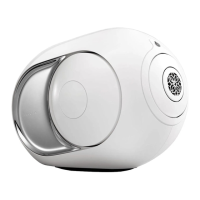
step : PHANTOM is now in position.
INSTALL PHANTOM WITH DIALOG
ASSIGN YOUR PHANTOM
17
D
E
ADD SOURCES
SPARK, will integrate automatically all the
music from the « Music » file in your device.
If you are on a computer, you can also add
music from other files.
Touch ADD PATH and choose the music
files you want to add.
CONGRATULATIONS!
You have completed the fifth and last step:
PHANTOM has now identified all your
music. PLAY!
18
19
step 18
3/3


 To Next Page