Network configuration 25
devolo dLAN 200 AV Wireless N
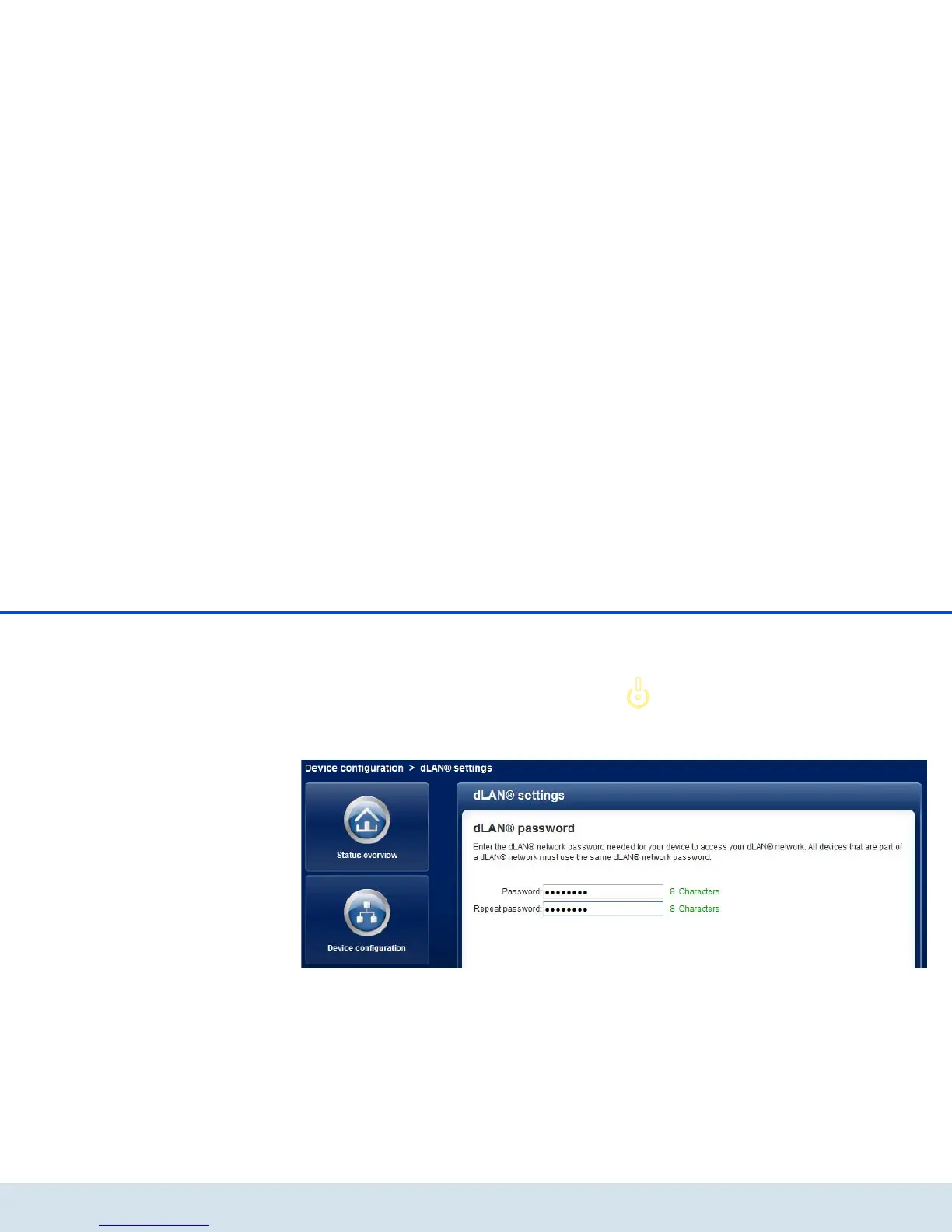
4.4.3 dLAN settings
In a dLAN network, all connected components must
use the same password. The dLAN password is normal-
ly defined once at the installation of your
dLAN 200 AV Wireless N using the dLAN Cockpit or
the dLAN encryption button (see Chapter 5 Security in
the dLAN) or is taken over from the existing network.
The dLAN standard password is
HomePlugAV.














 To Next Page