Network configuration 39
devolo dLAN 200 AV Wireless N
4.6.1 Resetting the configuration
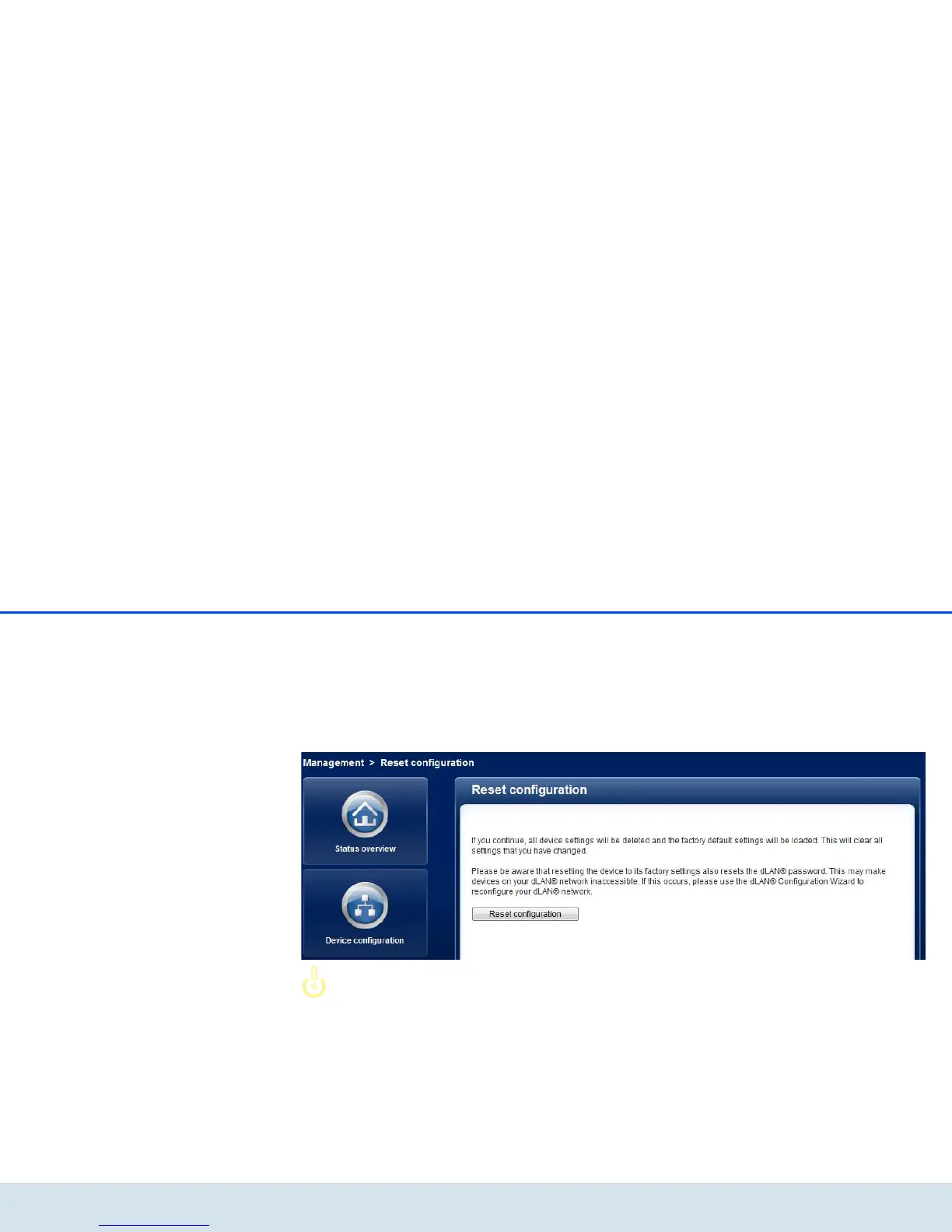
With the Management Reset configuration com-
mand, the dLAN 200 AV Wireless N is reset to the
original factory defaults. In doing so, you lose your per-
sonal settings. The last-assigned dLAN password for
the dLAN 200 AV Wireless N is also reset to the dLAN
standard password HomePlugAV. To secure your
dLAN 200 AV network individually again, reconfigure
it by using either the encryption button or the dLAN
Cockpit (see 5 Security in the dLAN).
You can change the dLAN password by
using the dLAN Cockpit in the Win-
dows program group Start All Pro-
grams devolo or by using the
encryption button.
For backup purposes, all active configuration settings
can be transmitted to your computer, stored there as a
file and reloaded into the dLAN 200 AV Wireless N. In
this way, you can for example generate configurations
for different network environments, with which you
can set up the device quickly and easily.














 To Next Page