28 Network configuration
devolo dLAN 200 AV Wireless N
There are three different methods for switching the
WLAN function on and off:
쎲 Simply press the ON/OFF button on the front
panel of the device.
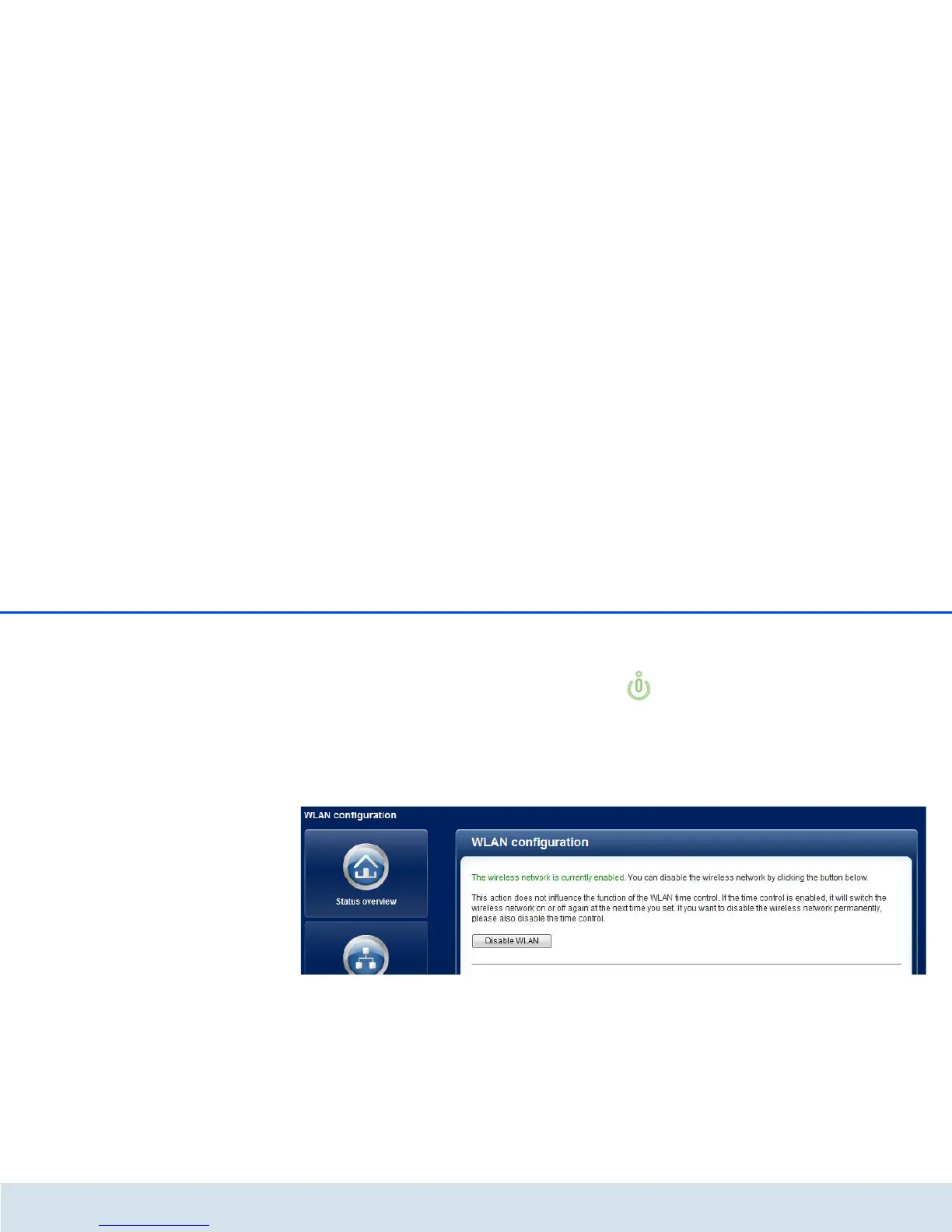
쎲 Use the Enable WLAN or Disable WLAN button
on the configuration interface under WLAN con-
figuration.
쎲 Enable the WLAN time control. For more informa-
tion, refer to Chapter 4.5.3 WLAN time control.
The operating state of the device is displayed
under 4.3 Status overview.














 To Next Page