16 Initial use
devolo dLAN 500 AVpro UNI
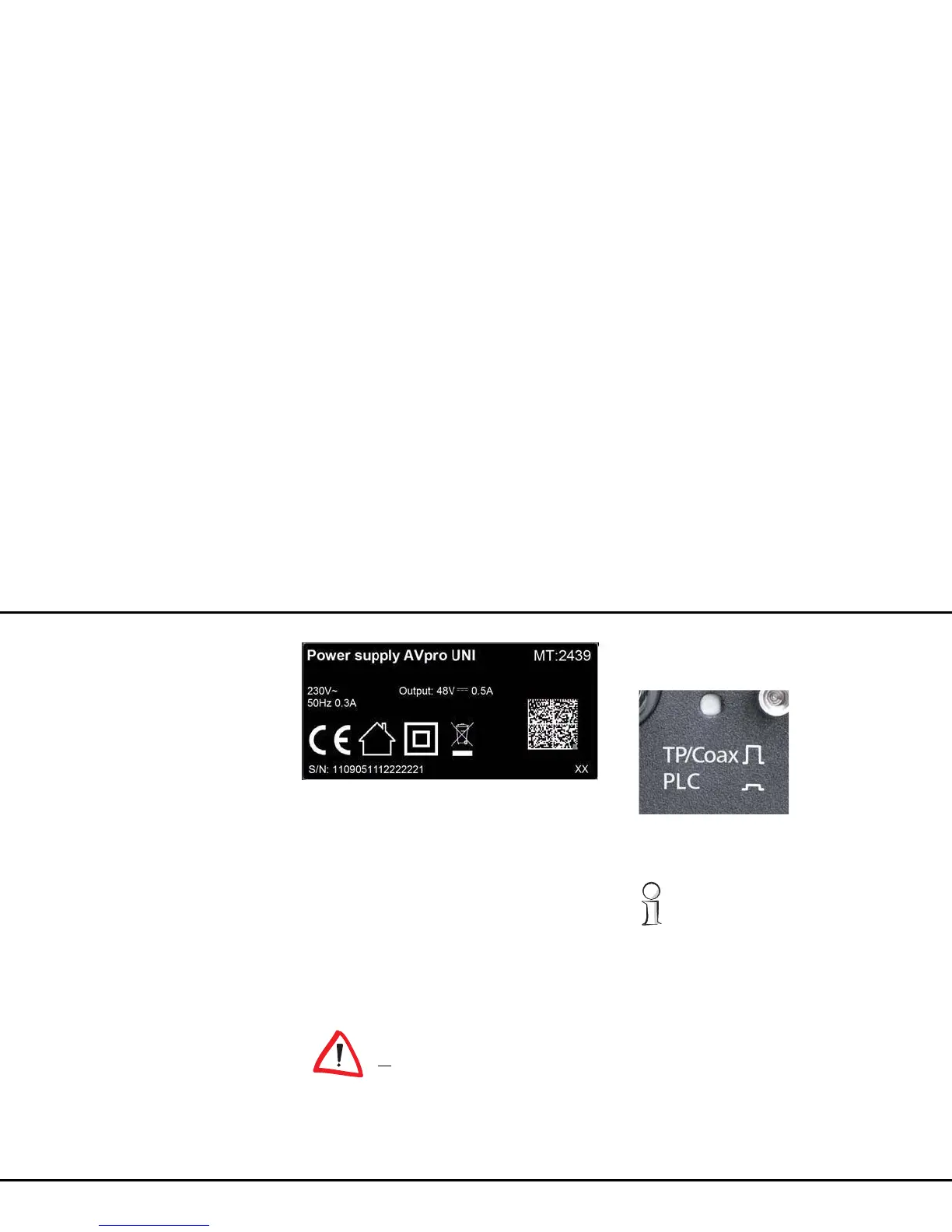
3.3.3 Toggle switch 'TP/Coax PLC'
Behind the small round opening labelled with 'TP/Coax
PLC' on the rear side of the housing, there is a toggle
switch, which you can actuate, for example, with a
pencil tip. Here you can toggle the dLAN data transfer
from 'PowerLine' ('PLC') to 'TP/Coax'.
You can identify the transmission medium currently
being used for the dLAN by the position of the toggle
switch:
By default, the toggle switch TP/Coax
PLC is in the 'PLC' position.
Move the toggle switch to 'TP/Coax'
only if you will also use this setting for
all
devices in the dLAN (or in the corre-
sponding dLAN segment).
Otherwise the device immediately loses
its dLAN connection!
The „PLC“ transmission method is ac-
tivated when the button is pressed in.
Otherwise the „TP/Coax“ transmission
method is activated.















 To Next Page