Initial use 24
devolo Giga Bridge
After a short time (within three minutes),
the flashing LED becomes a steady white
light. The devolo Giga Bridge adapters
have successfully established a network.
The adapters connected with each other
can now be placed at the desired locations
of use.
Wiring using coaxial
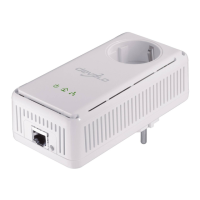
1 Connect the end of the coaxial cable to the
coaxial socket (coax) on one of the
devolo Giga Bridge adapters.
2 Connect the other end of the coaxial cable to
the coaxial socket (coax) of the other
devolo Giga Bridge adapter.
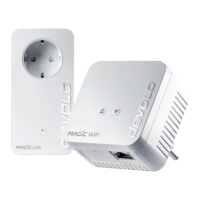
3 Connect both devolo Giga Bridge adapters to
an available power socket. The LEDs of both
adapters flash white. A new
devolo Giga Bridge network is automatically
set up (pairing).
After a short time (within three minutes),
the flashing LED becomes a steady white
light. The devolo Giga Bridge adapters
have successfully established a network.
The adapters connected with each other
can now be placed at the desired locations
of use.
Resetting a devolo Giga Bridge adapter or
removing it from a devolo Giga Bridge network
Keep in mind that all settings that have al-
ready been made will be lost!
1 To remove a devolo Giga Bridge adapter from
your devolo Giga Bridge network and success-
fully restore its entire configuration to the fac-
tory defaults, press and hold the reset button
longer than 10 seconds.
2 Wait until the LED flashes white and then dis-
connect the devolo Giga Bridge adapter from
the mains supply, if necessary.
Note: Be aware that new or reset
devolo Giga Bridge adapters will not be found
and integrated automatically if the existing
devolo Giga Bridge adapters are in a different
mode. Set all devolo Giga Bridge adapters to the



 To Next Page