Configuration 44
devolo Giga Bridge
In this mode, the devolo Giga Bridge adapter is not
accessible over the G.hn network. As soon as the
network device (e.g. computer) connected to the
network interface is switched on again, your
devolo Giga Bridge adapter can also be accessed
again.
Standby mode is enabled in the
devolo Giga Bridge adapter's factory default set-
tings.
For information on the LED behaviour of the
devolo Giga Bridge adapter in standby
mode, refer to Chapter 2.4.1 Reading the
indicator light.
Time server
The Time server (NTP) option lets you specify a time
server. A time server is a server on the Internet
whose task consists of providing the exact time. Se-
lect your time zone and time server; the
devolo Giga Bridge adapter automatically switch-
es between standard time and summer time.
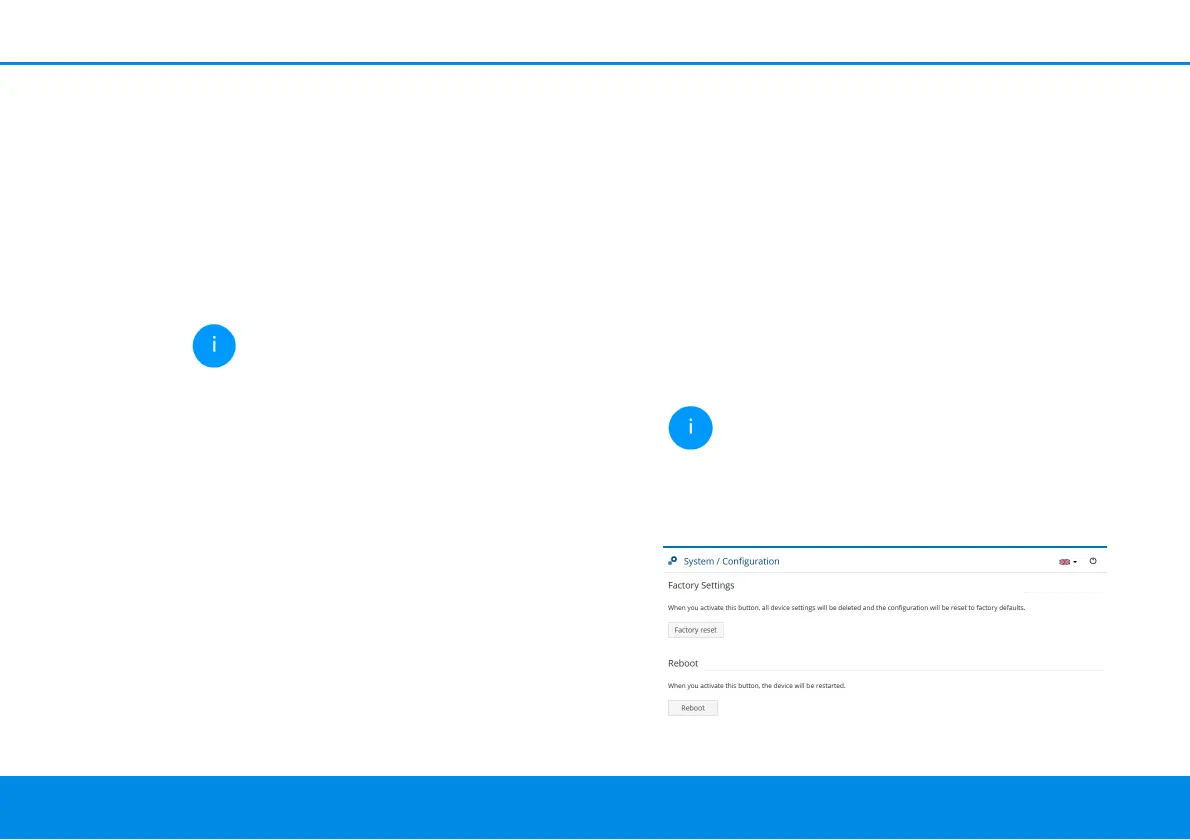
4.3.4Configuration
Here, restart the devolo Giga Bridge adapter and/
or restore it to the factory default settings.
Factory default settings
1 To remove a devolo Giga Bridge adapter from
your network and successfully restore its entire
configuration to the factory default settings,
click Factory reset.
2 Wait until the LED flashes white and then dis-
connect the devolo Giga Bridge adapter from
the mains supply if necessary.
Keep in mind that all settings that have
already been made will be lost!
Restart
To restart a devolo Giga Bridge adapter, click on
Reboot.



 To Next Page