
 To Next Page
C
Cynthia MartinezAug 6, 2025
What to do if DeWalt Battery Charger will not charge vehicle battery?
- TtrichardsonAug 6, 2025
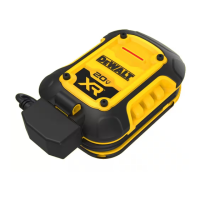
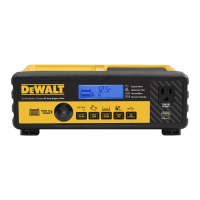
First, ensure the translucent Charge Button is pressed to turn the charger on and that a proper polarity cable connection has been established. If the DeWALT® 20V Battery Pack voltage is low or has insufficient output power, the Charge Status/Fault Indicator will light red for 60 seconds before the Vehicle Battery Charger shuts down. Disconnect the Vehicle Battery and fully charge the DeWALT® 20V Battery Pack. If the DeWALT® 20V Battery Pack is overheated or too cold, the Battery Charger will automatically shut down; disconnect the Battery Clamps and allow the unit to cool down or warm up before resuming operation. If the vehicle battery may be faulty, it is recommended to take it to a certified automotive service center for evaluation.
 General