Use the cable connectors to attach your fixtures with the cable. Plug the
transformer in the GFCI outlet and enter the ON mode. Then the lamps will
light up.
4.Attaching Your Fixtures
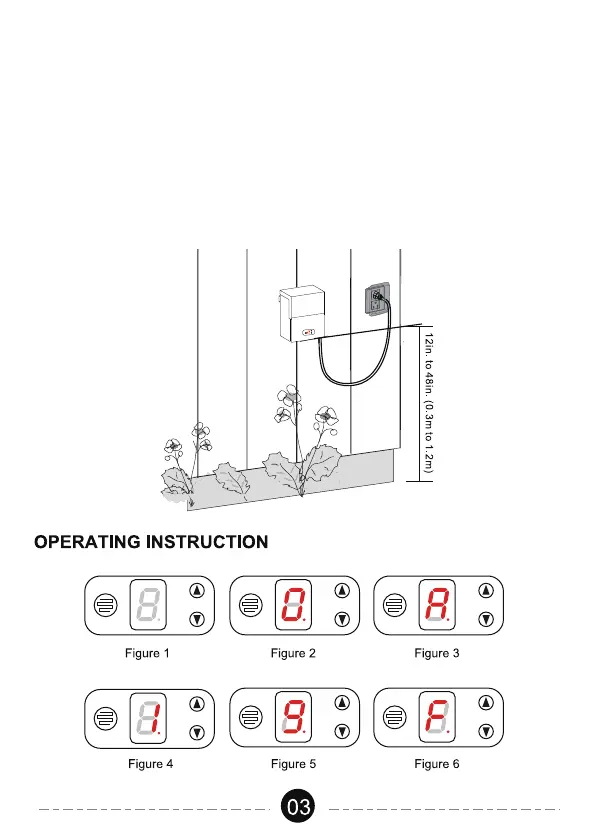
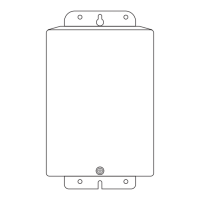
Use the screw to mount the transformer directly on a wall. 12 inch to 48 inch
(0.3 m to 1.2 m) high from the ground would be suggested.12in. to 48in.
(0.3m to 1.2m)
5.Mounting the Transformer



 To Next Page