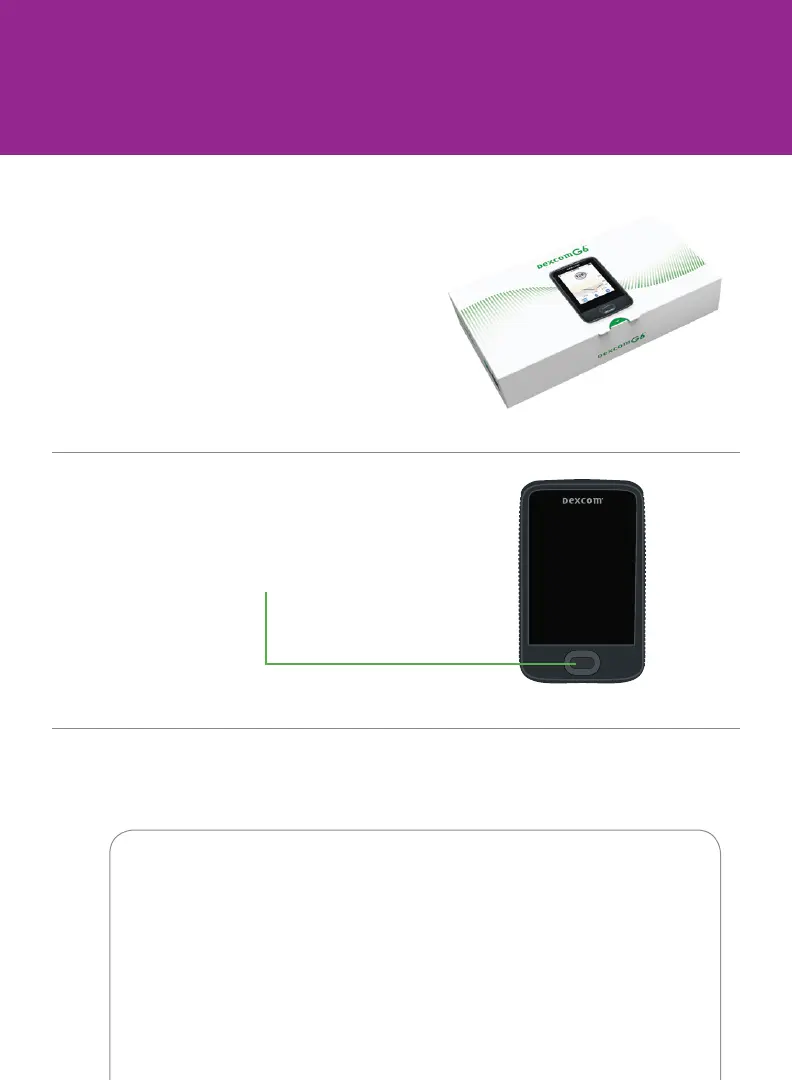
Press and hold power button for
2-3 seconds
A Take receiver out of box
B Turn on receiver
C Follow onscreen instructions
Step 1: Set Up Receiver
1 When prompted, enter your:
• Sensor code from the sensor applicator you will insert
No sensor code?
See Using Your G6, Appendix A Troubleshooting



 To Next Page