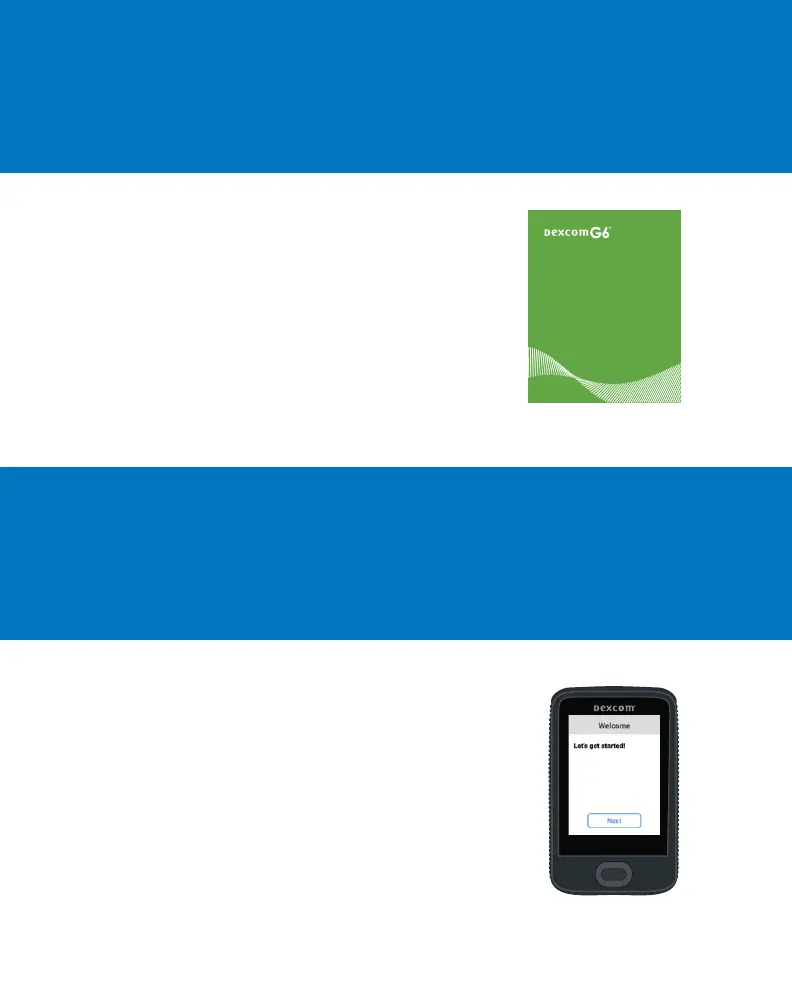
Turn on the receiver by pressing and holding the
power button down for 2-3 seconds. Then follow
onscreen instructions.
Don’t use the Set Up Receiver tab. Those steps are
for setting up the receiver before setting up the app.
Learn how to:
• Read your home screen
• Use alarm and alerts
• Make treatment decisions
• Troubleshoot issues
Using Your G6
• Welcome
• Home Screen Overview
• Alarm and Alerts
• Treatment Decisions
• Ending Yo ur Sensor Session
• Appendices
Step 2: See Using Your G6
Step 3: Set up Receiver



 To Next Page