C Wait 2 hours
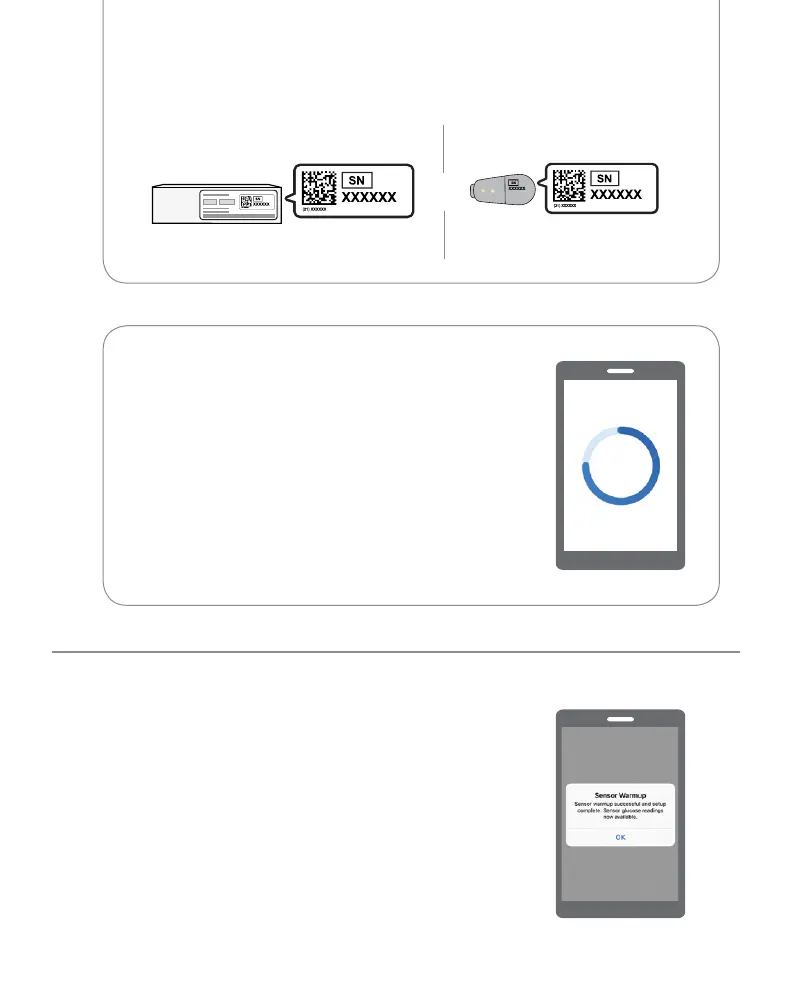
• When complete, tap OK to see the home
screen
• Now you get G6 readings, alarm/alerts
Serial Number (SN) from:
or
Back of transmitterTransmitter box
2 See the blue sensor warmup timer?
That means your sensor is getting used to
your body.
During warmup:
• No G6 readings, alarm/alerts
• Keep smart device within 20 feet
of transmitter



 To Next Page