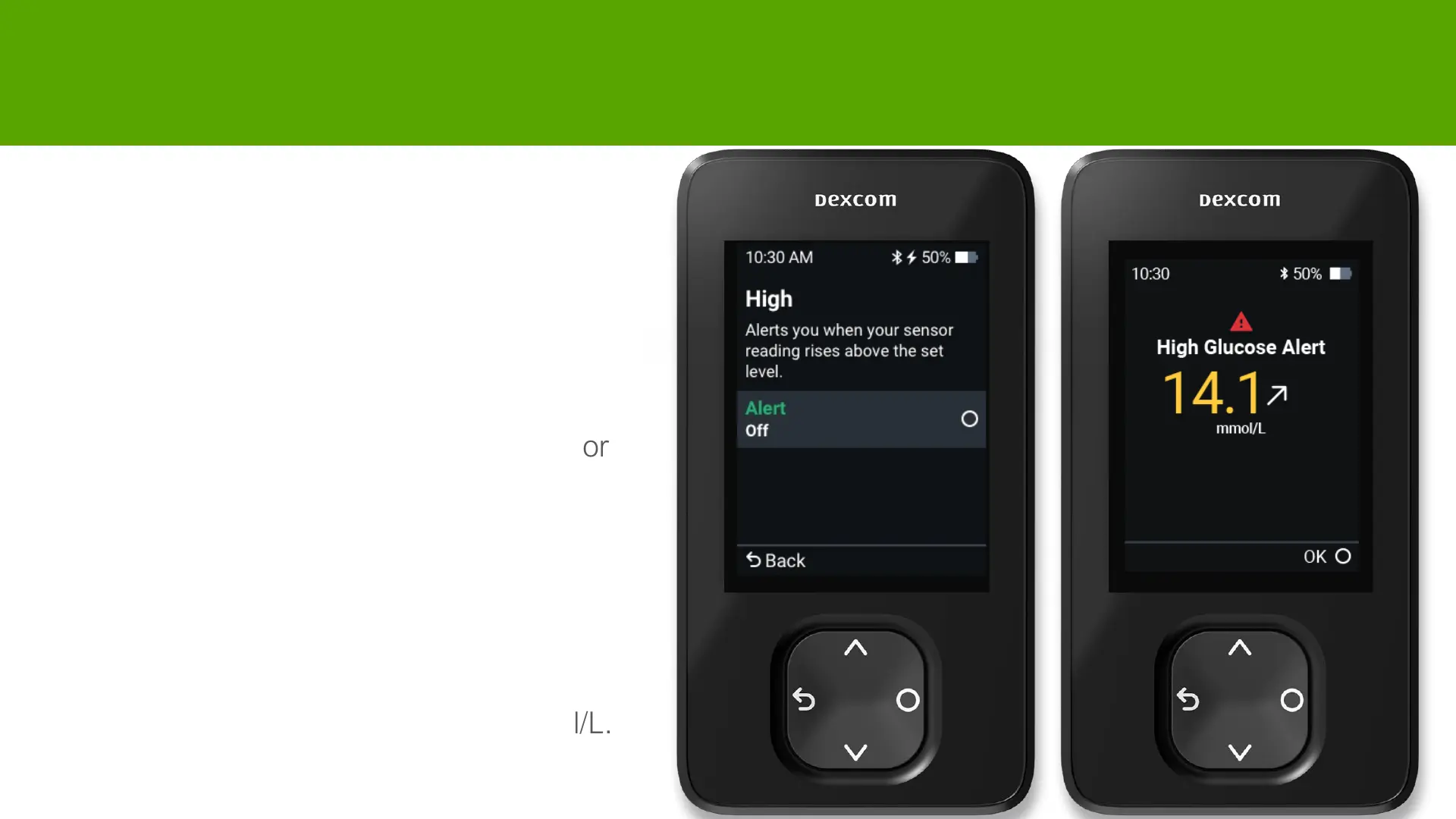
High Alert
• You may choose to turn on High Alert
during setup.
• Or change by going to
Menu > Settings > Alerts > High
• High alert will be activated when sensor
reading is at or above the High Alert
level.
• You can customise your alert level
and tone.
• Default High Alert is set to 14.0 mmol/L.



 To Next Page