NDS3306I 6 in 1 ISDB-T Modulator User Manual
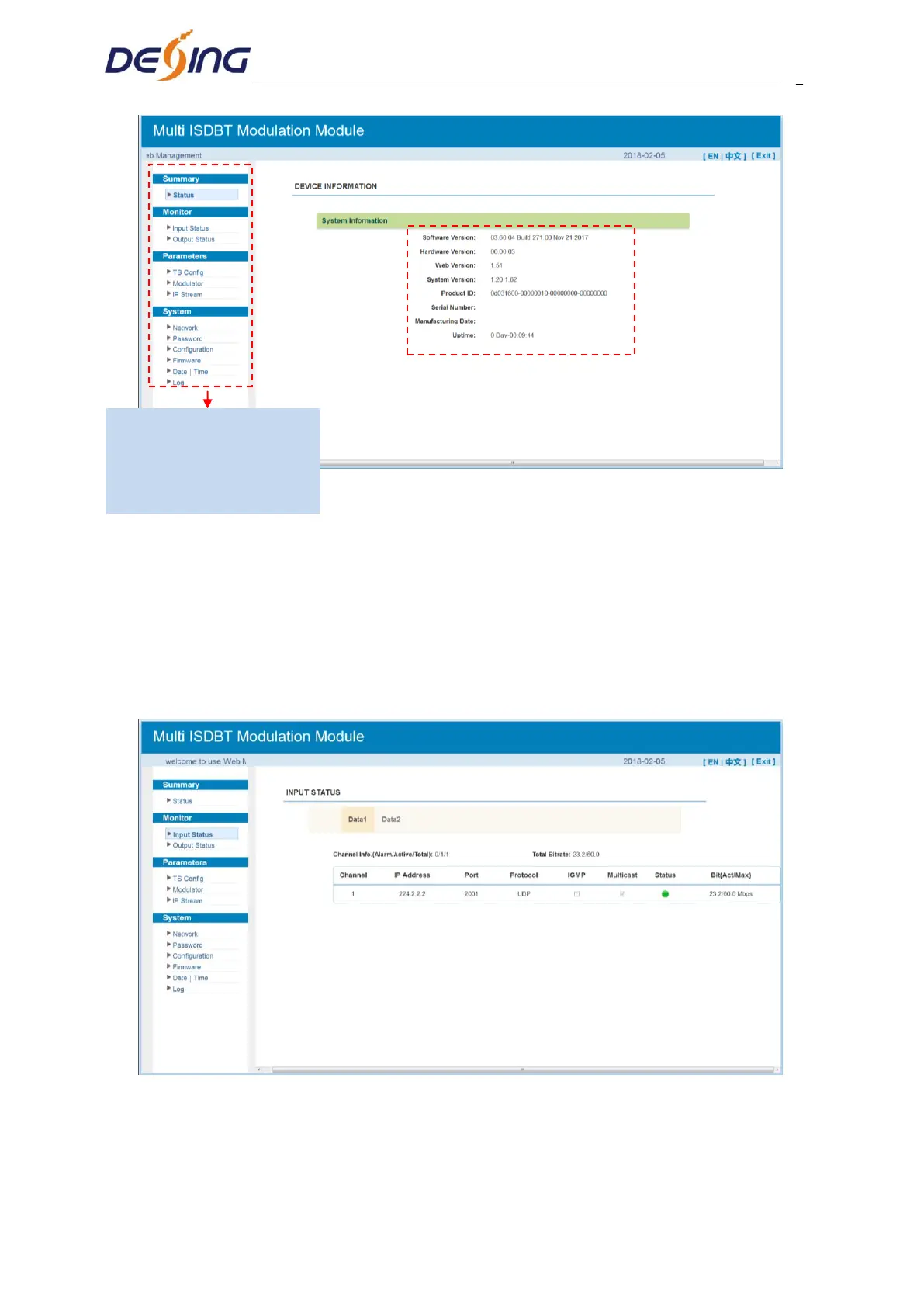
Figure-2
4.2.2 Monitor
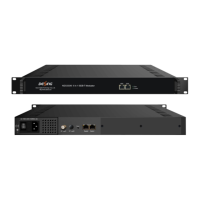
Monitor → Input Status:
Clicking “Input Status”, it will display the interface as Figure-3 where users can check the
input status of Data1 and Data 2. Users need to add IP in “TS Config” part. Otherwise, it
will monitor nothing.
Figure-3
Monitor → Output Status:
Clicking “Output Status”, it will display the interface as Figure-4/5 where users can check
User can click any item here to
enter the corresponding interface
to check information or set the
parameters.


 To Next Page