26
OPERATING INSTRUCTIONS
STARTING THE DRYER
1. The display on the dryer control will show the required vend amount when in
idle mode. Once the door is opened it will prompt the user to add money.
Load clothes into the dryer. Close the door completely.
2. Deposit coins equal to or greater than the displayed vend price. The display on
the control will prompt the user to choose a drying temperature.
3. Select the drying temperature by pressing the appropriate button for “high”,
“med” (medium) or “low”. This will turn on the red indicator light showing
the selected temperature.
4. Press the “start” button to start dryer. This will turn on the green indicator
Light. The drying time purchased is now displayed. The colon begins
ashing to indicate that the timer is counting down.
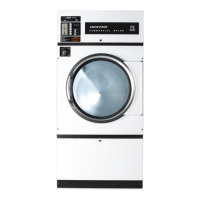
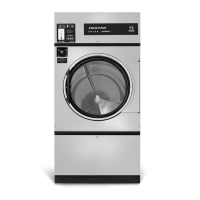
Display
Buttons
Part # 8533-088-001 7/21


 To Next Page
 Loading...