Operation description:
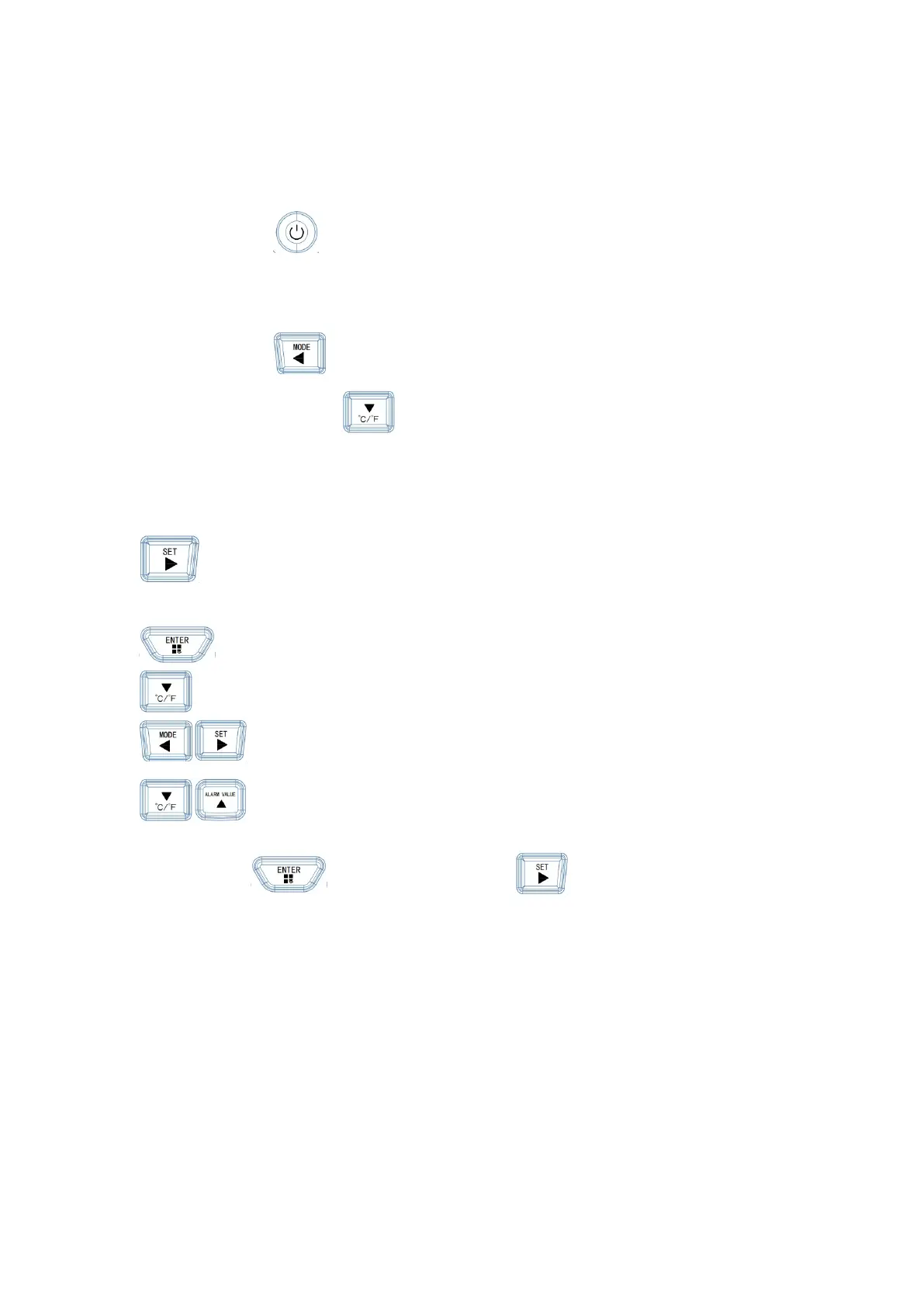
1. Power on or off:
Short press button to turn on or off
2. Counting and weighing mode conversion:
Short press button to switch between ug/m3 or Piece/L mode
Temperature unit conversion Short press Button switch ℃/℉
3. Record data interval time setting
Press during automatic measurement, press the button twice to enter the function
parameter interface.
Press button to confirm to enter the modification
Press at this button to select [recording interval] item.
Press mode or set Button to enter time selection.
Press Button to select the required interval time,After the selection is
complete, press
Button twice,Press again Button to return to the main
interface
。


 To Next Page