4. History query
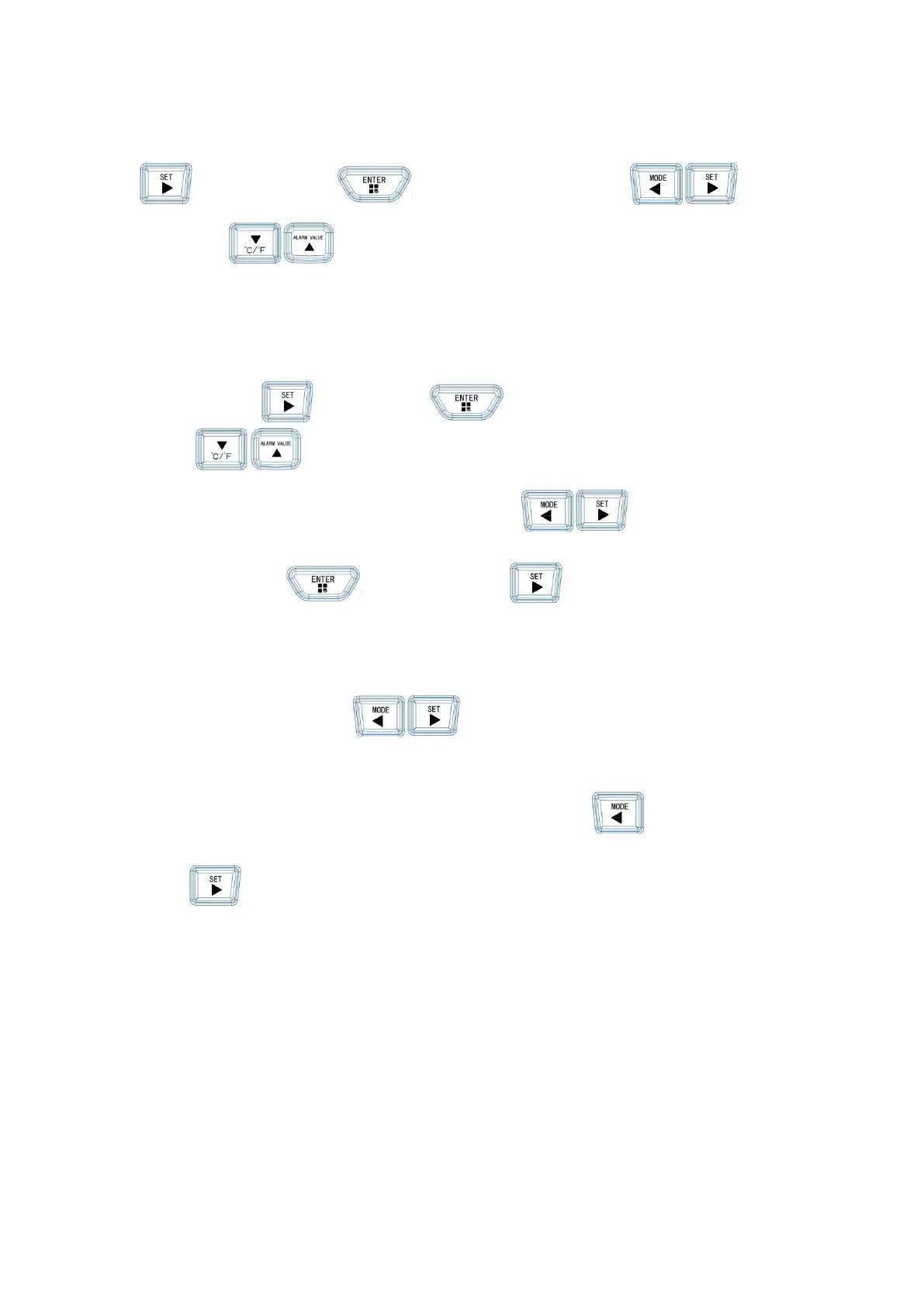
Press Button once, Press enter Go to <History>, Button
shift pages
, Button to scroll through the record page,
5. Parameter setting
Press the button twice and press Enter to <function parameter>, Press the
button
can move to select the corresponding parameter item, and the
background color of the selected item will turn white
, The parameters can be
modified. Exit press
Button,Press again Button to return to the main
interface.
Backlight: Press the button to switch brightness 25%-50%-75%-100%
Data Clear: Button to enter the data clearing menu, press again Button to confirm
clear
, Button exit clear.


 To Next Page