Welcome to DFRobot: www.DFRobot.com.cn 29 / 49
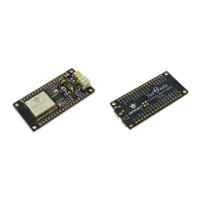
1 x FireBeetle Board-ESP32
Hardware connection
Plug FireBeetle Covers-Gravity Adapter Board to FireBeetle Board-ESP32 and plug Gravity I2C
OLED-2864 Display Screen into I2C here in the I2C experiment, shown as below.
Then connect FireBeetle Board-ESP32 directly to your computer by USB data wire.
Enter code
Above all, we should know the output value range of simulative angle sensor for further ease
of use the data mapping. Open Arduino IDE. You would better enter the code manually than
open Course->Item-4 to be familiar with it.


 To Next Page
