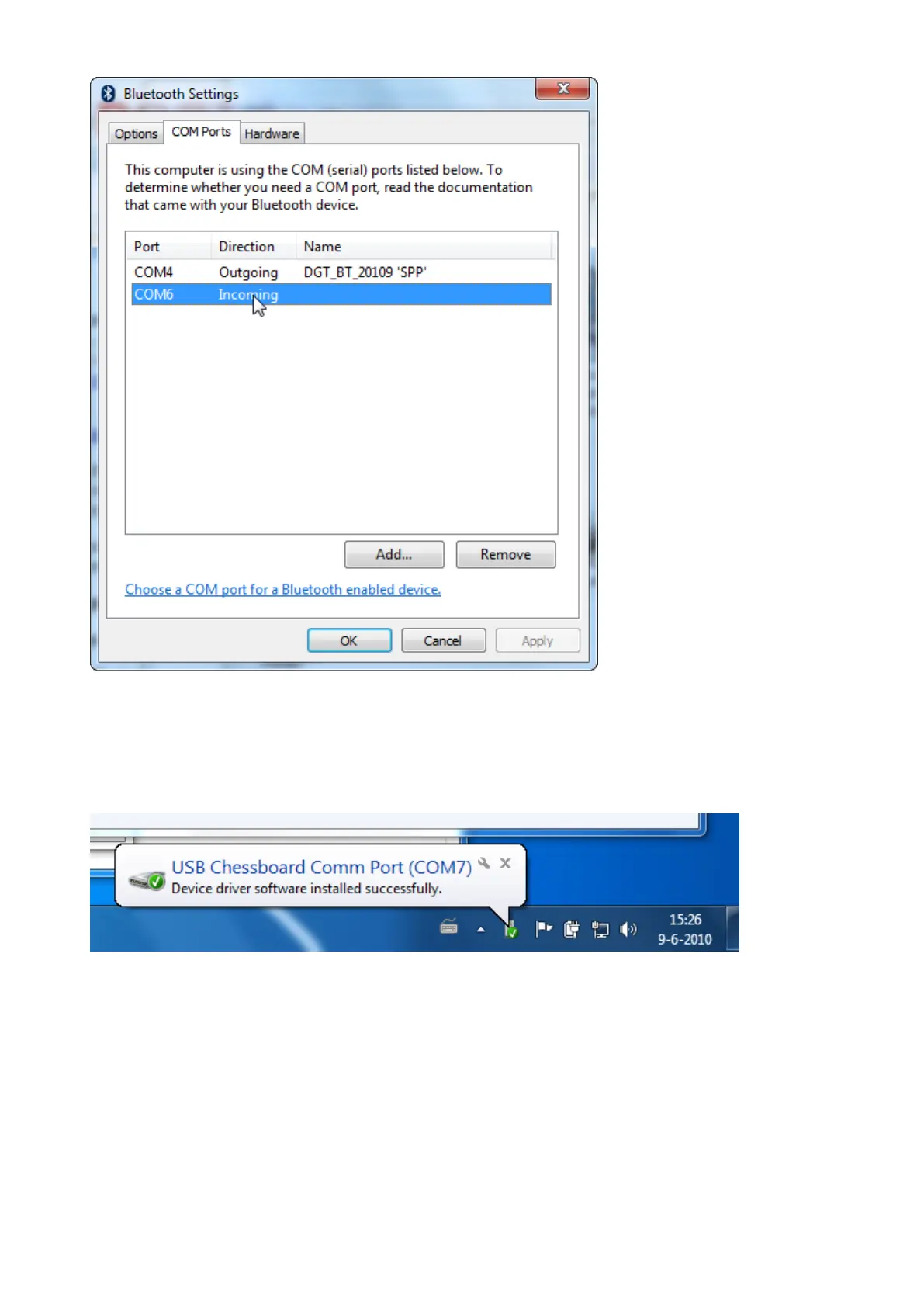
Depending on the version of your DGT board, the Name of the outgoing Port may differ from the one in the
picture above.
You Bluetooth board will now be able to communicate with your computer through the virtual Bluetooth COM
Port.
The next step is connecting the USB cable.
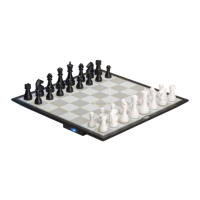
Windows 7 will automatically recognize the chessboard over USB and assign a new COM port number to it.
The result is that your chess software can communicate with the board through two COM Ports. One that is
over Bluetooth and the other over the USB cable.
The software that uses the board driver will show these two ports with a suffix “USB” or “BT”
COM 4 and COM 7 in this example. Notice that COM 6 (the incoming port that was removed) does not
appear in this list.


 To Next Page