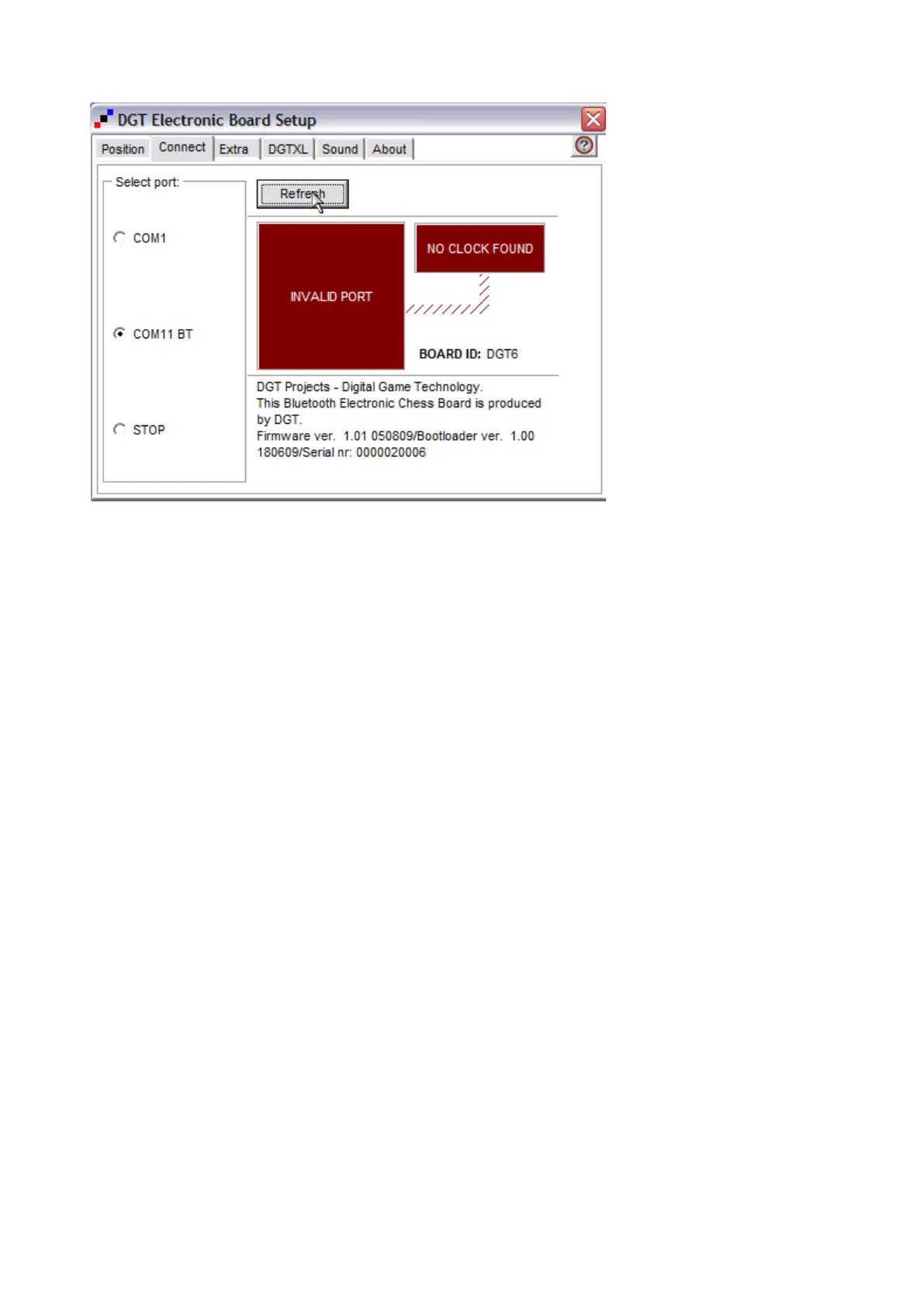
Invalid port
Picture 18 Invalid Port
When you see "invalid port as in Picture 18 Then you should restart the board by choosing the "STOP"
option button and then choose your BT COM port again.
It is also a good idea to do this if you have a DGT XL clock connected, that fails to show your moves.
If it doesn't change the situation the port may be in use by another program. Try to shut down all applications
that might want to communicate with the DGT board.


 To Next Page