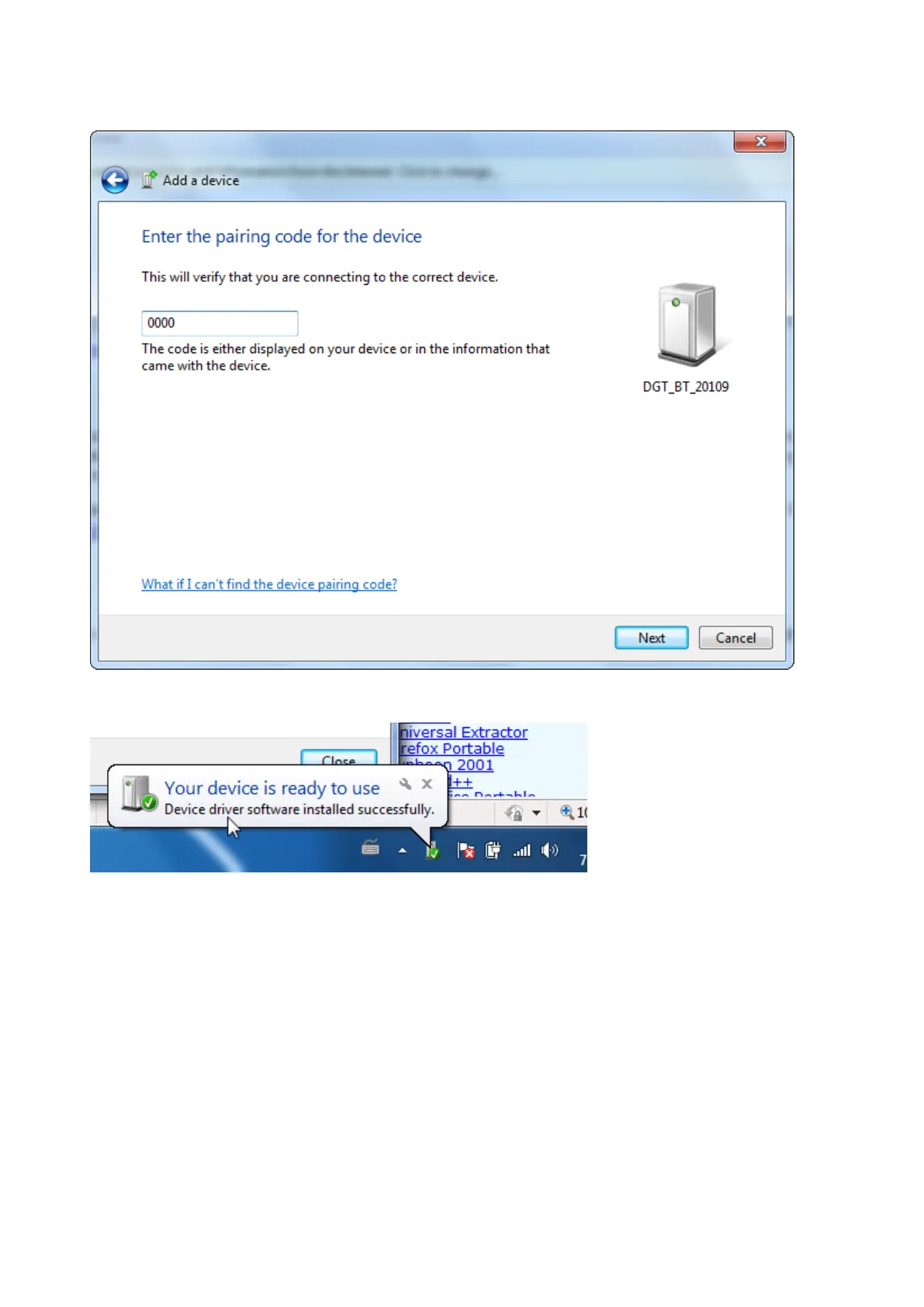
Chose the second option “Enter the devices pairing code” The code is “0000” (four zero’s)
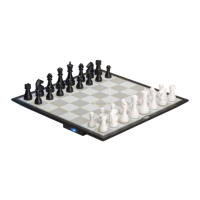
After a short time Windows will notify you that your device is ready to use.
From this moment it is good to know that the board is no longer treated as a Bluetooth device by Windows
but as a Virtual Serial Port.
To look for the properties of the board choose Control Panel – Hardware and Sound – Devices and
Printers.
You will find you DGT Chessboard listed there.
Double click it to find out the properties. A COM port number will be assigned to it. (COM4 in this example.)


 To Next Page