Connecting Earphones to the DVD Player and Second screen
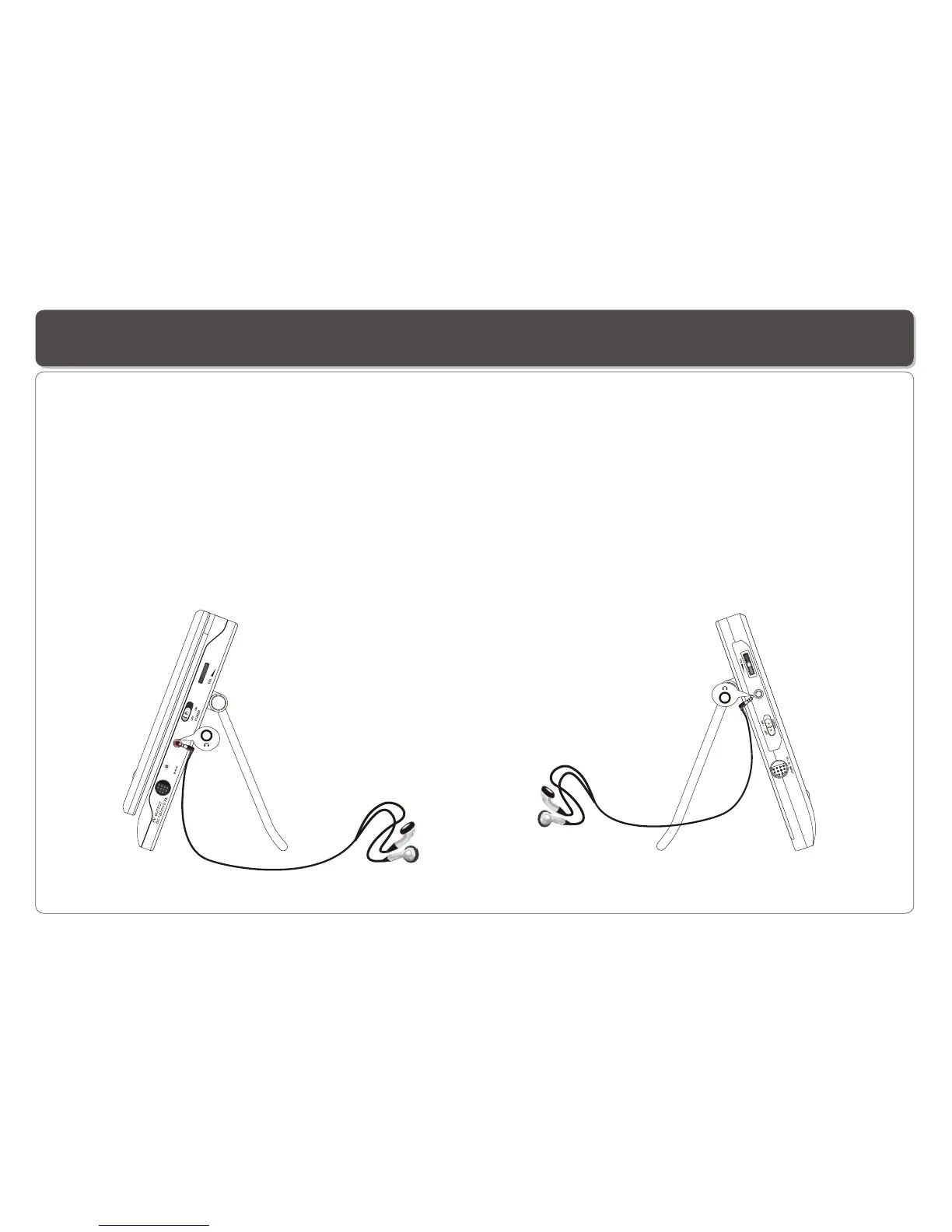
You can attach an earphone with a stereo mini-jack plug to the AUDIO OUT jack on the DVD Player or Earphone Jack on the LCD
screen for private listening. The volume can be adjusted using VOL + and VOL - on the remote control or using the speaker VOLUME
knob on the Player and screen to adjust the volume .
NOTE: When the earphone is connected to the AUDIO OUT jack on the DVD Player or Earphone Jack on the LCD screen, the speaker
will be disconnected.
1. Connecting Earphones to the DVD Player 2. Connecting Earphones to Second Screen
~ 9 ~
DC IN 12
V


 To Next Page