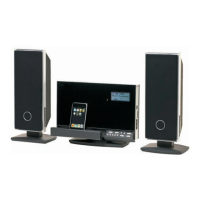
Dock adapters are provided by Apple
with their recent iPod models.
Compatible iPod or iPhone models
will be charged when connected.
Connecting an Auxiliary Device
If you have an audio device with a 3.5mm
headphone out or line-out jack, you can play
it through the speakers of the main unit.
To connect your auxiliary audio
device:
Connect one end of a 3.5mm auxiliary
cable to the headphone out/line-out jack
of the audio device.
♦
Connect the other end of the cable to
AUX IN connector located on the rear
of the main unit.
♦
Basic Controls
To do this… …do this.
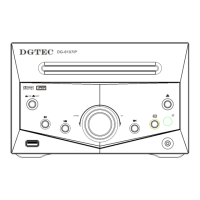
Turn the unit on or off Press [Standby]
Change between iPod/iPhone
and AUX playback mode
Press [AUX/iPod]
Adjust the volume level Press [VOL +] or
[VOL –]
Start, pause, or resume iPod/
iPhone playback
Press [Play/Pause]
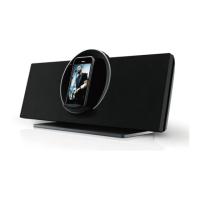
Rotate the dock Press [ROTATE]
When the unit is in iPod mode, you
may use the controls of your iPod/
iPhone directly.
|
8
Getting Started


 To Next Page