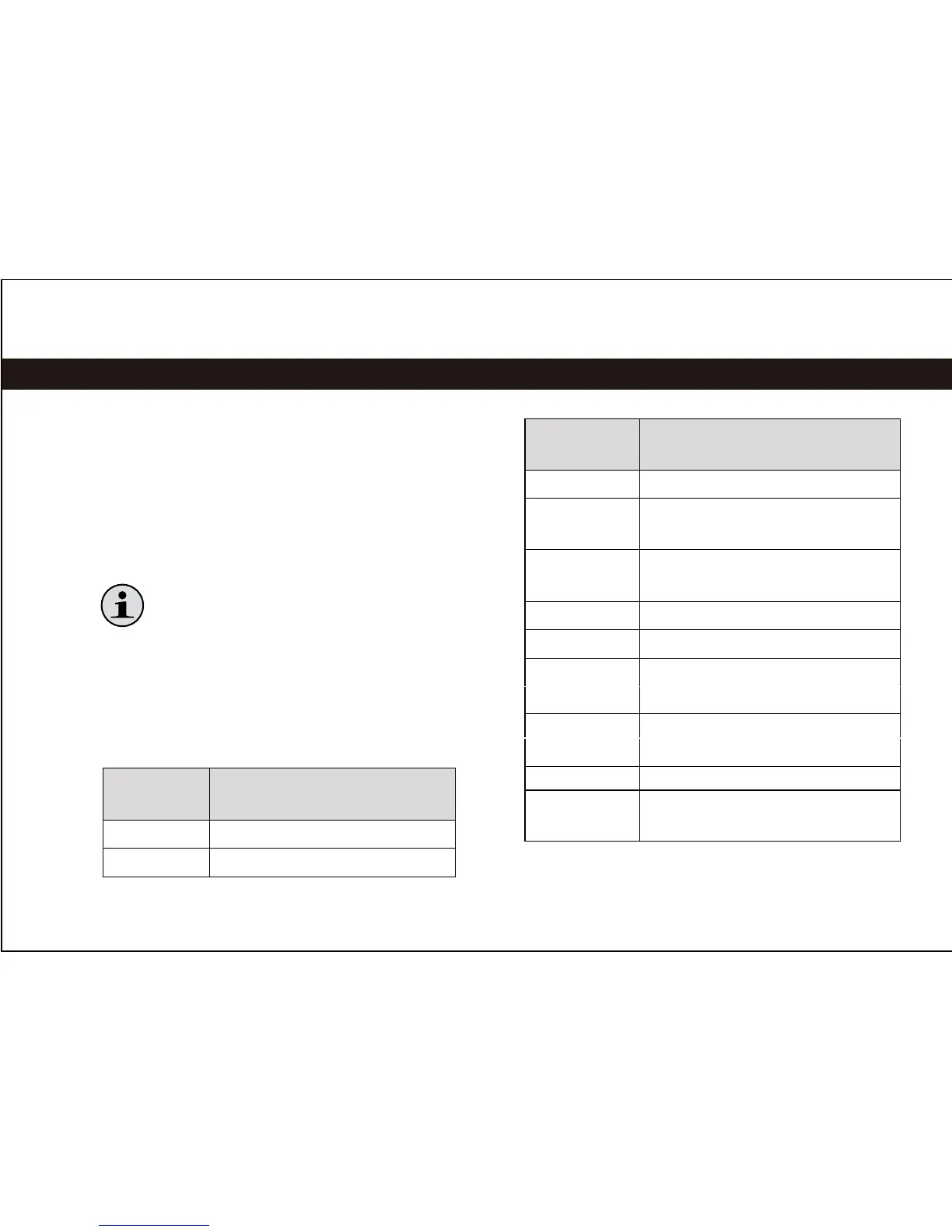
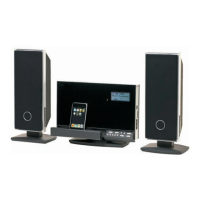
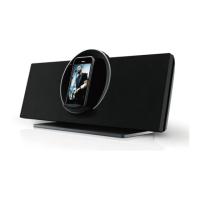
To listen to your iPod or iPhone, simply place
your iPod/iPhone in the Universal Dock.
The main unit will turn on automatically.♦
Music on the iPod/iPhone will start playing ♦
automatically.
Press [Play/Pause] to start music
playback if it does not start automatically.
Controls
When an iPod/iPhone is connected to the
Universal Dock and the main unit is in iPod
mode, the following controls are available.
Remote
Key
Function
[Play/Pause] Start or pause/resume playback.
[RIGHT] Skip to the next track.
Remote
Key
Function
[LEFT] Skip to the previous track.
Hold
[RIGHT]
Scan forward quickly through
the current track.
Hold [LEFT] Scan in reverse quickly
through the current track.
[VOL +] Increase the volume level.
[VOL –] Decrease the volume level.
[MUTE] Disable or enable speaker
output.
[BASS] Turn the Bass Boost
enhancement on or off.
[ROTATE] Rotate the dock.
[AUX/iPod] Press to switch between
AUX and iPod modes.
| 9
Using iPod
®
/iPhone
®
Mode


 To Next Page