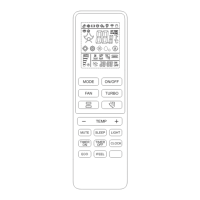
REMOTE CONTROL
2
No.
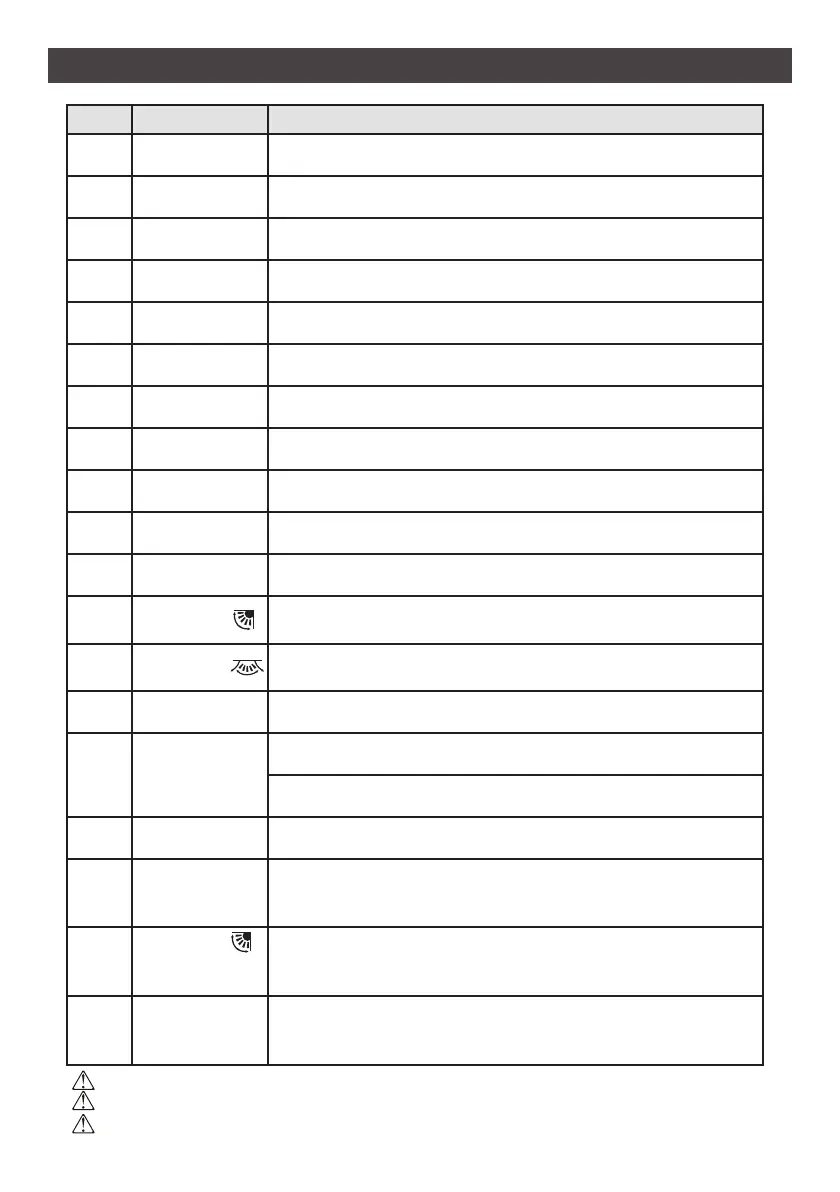
1 ON / OFF Turns on/o the air condioner.
2 Temp + Increases temperature, or Timer/Clock seng hours.
3 Temp - Decreases temperature, or Timer/Clock seng hours.
4 MODE Selects the mode of operaon (AUTO, COOL, DRY, FAN, HEAT).
5 ECO Acvates/deacvates the ECO funcon.
6 TURBO Acvates/deacvates the TURBO funcon.
7 FAN Selects the fan speed.
8 TIMER ON Sets the me for TIMER ON funcon.
9 TIMER OFF Sets the me for TIMER OFF funcon.
10 SLEEP Switches on/o the SLEEP funcon.
11 LIGHT Switches on/o the indoor unit LED display.
12 SWING
Stops or Starts horizontal louver movement or sets the desired
up/down air ow direcon.
13 SWING
Stops or Starts vercal louver movement or sets the desired le/
right air ow direcon.
14 I FEEL Switches on/o the I FEEL funcon.
15 MUTE
Switches on/o the MUTE funcon.
Press for 5 seconds to acvate/deacvate the CLEAN funcon
16 CLOCK Sets the current me.
17
TIMER ON
+
TIMER OFF
Press for 3 seconds to acvate/deacvate the CHILD-LOCK funcon.
18
SWING
+
TEMP +
Acvates/deacvates the 8°C Heat funcon.
19
MODE
+
- TEMP
Press for 2 seconds to alternate between °C and °F scale.
The display and some funcons of the remote control may vary by model.
The shape and posion of buons and indicators may vary by model, but their funcons are the same.
The indoor unit will beep to acknowledge the recepon of a signal from the remote when a buon is pressed.
▲
▼
▲
▼
▲
▼


 To Next Page
 Loading...