11.2.3.2. Create a Player
To create a player in a group select the three (3) stacked dots in the upper right-
hand corner of your group’s page. You’ll see an option for “Create Player”. Select
“Create Player”.
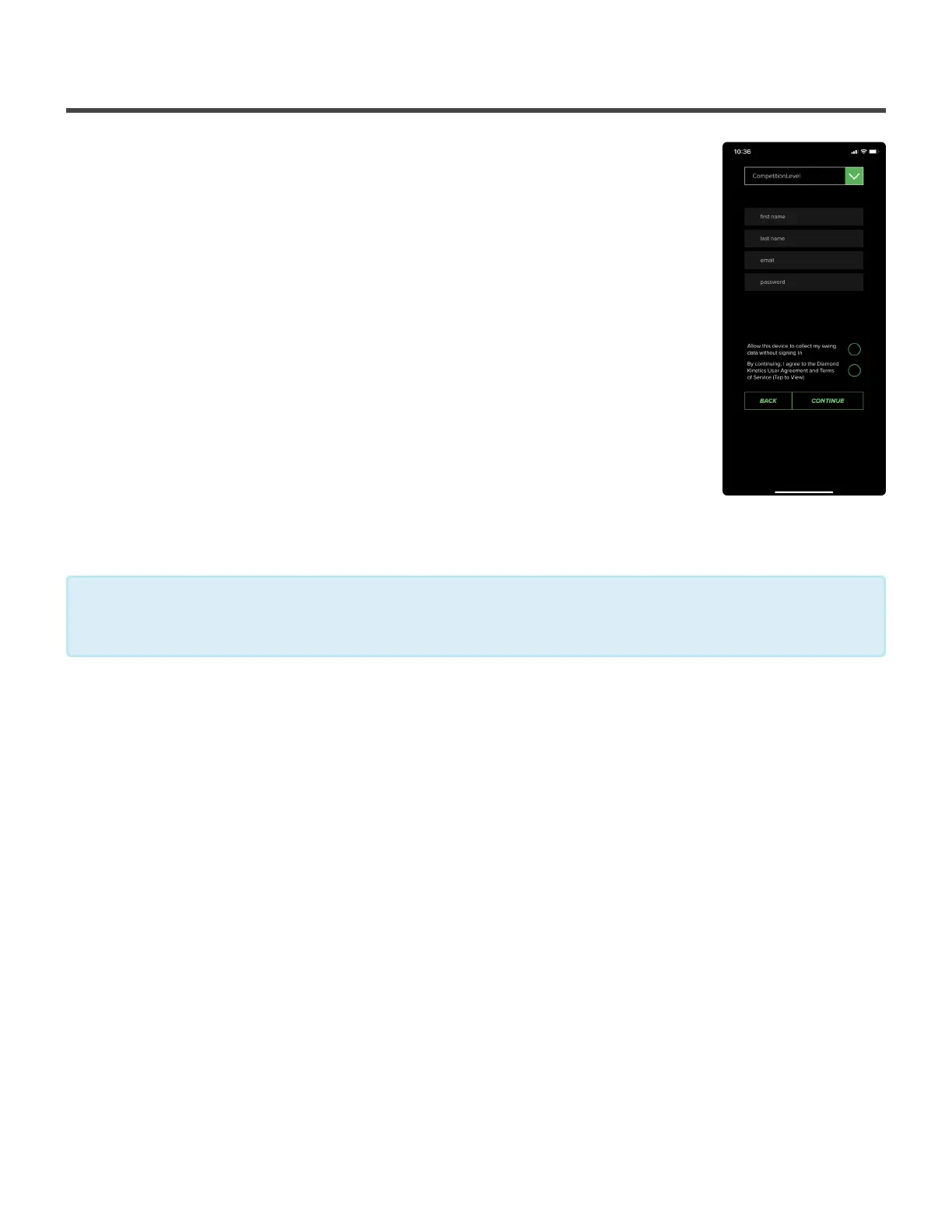
Next you’ll be take to a registration page where you’ll create the player’s profile.
You’ll be asked for the following information:
• Competition Level
• First and Last Name
• Email Address
• Password
Remember, you are creating an actual account for this person. This is not another
profile under your account but a whole new account for this player. They will be
able to use the credentials to log into the app on their own.
DK Tip
Each individual account requires a unique email address to be set up.
*
Diamond Kinetics PitchTracker Baseball - PitchTracker Ba
Page 51 of 76


 To Next Page