EasyManua.ls Logo

diatesse XPER - Troubleshooting System Issues; Error Messages

Default Icon
Print Icon
To Next Page IconTo Next Page
To Previous Page IconTo Previous Page
Loading...
14 15
TROUBLESHOOTING
SYSTEM ISSUES
If you follow the recommended actions but the
problem continues, please contact customer
support or your distributor.
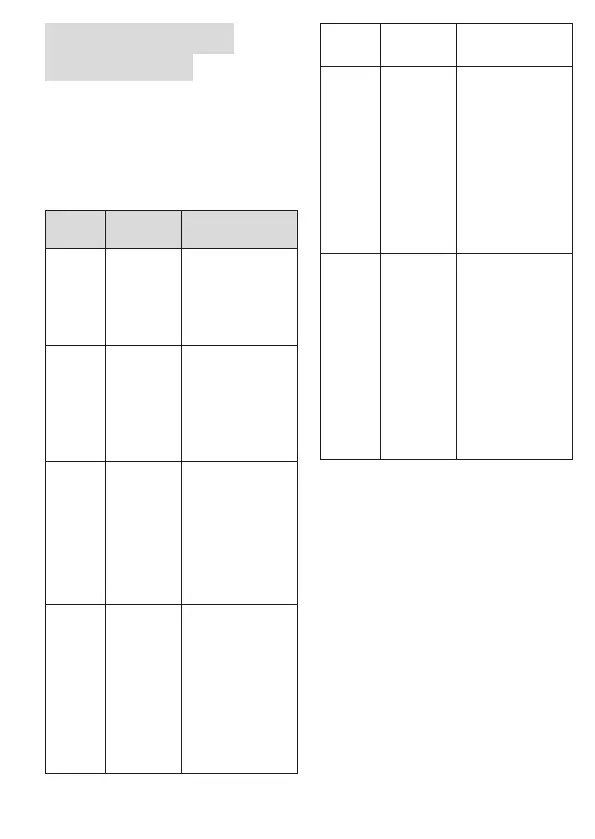
Error messages
MESSAGE
WHAT IT
MEANS
WHAT TO DO
E-b
Displayed
when the
batteries
are (nearly)
drained.
Replace the batteries
immediately.
E-U
Displayed
when a used
test strip is
inserted or
incorrectly
used.*
Repeat the test with
a new test strip.
E-2
Displayed
when the
code chip
(ketones) has
expired.
Check if the date is
correctly set on the
meter and check the
expiry date on the
packaging. If the
issue continues, use
a new code chip.
E-t
Displayed
when the
ambient
temperature
is greater
than the
operational
range of the
device.
The operational
range of the device
is between 8 °C and
45 °C (46.4 °F to
113 °F). Repeat the
test when the meter
and the test strip
are within the above
temperature range.
E-0, E-A,
E-E, E-C
Meter issue.
Repeat the test with
a new test strip.
E-F
Displayed
when the
test strip is
removed
during the
countdown
or where
insufcient
blood is
present.
Read the instructions
and repeat the test
with a new test
strip. If the issue
continues, contact
customer support for
assistance.
E-8
Displayed
when the
code chip is
not inserted
prior to
testing or if
the meter
does not
support
specic
parameters.
Check that the
code chip has been
correctly inserted.
Check that the code
chip used supports
the parameters of
your meter.
* see the user instructions (video) at diatesse.nl/
support or read the procedure.

Table of Contents