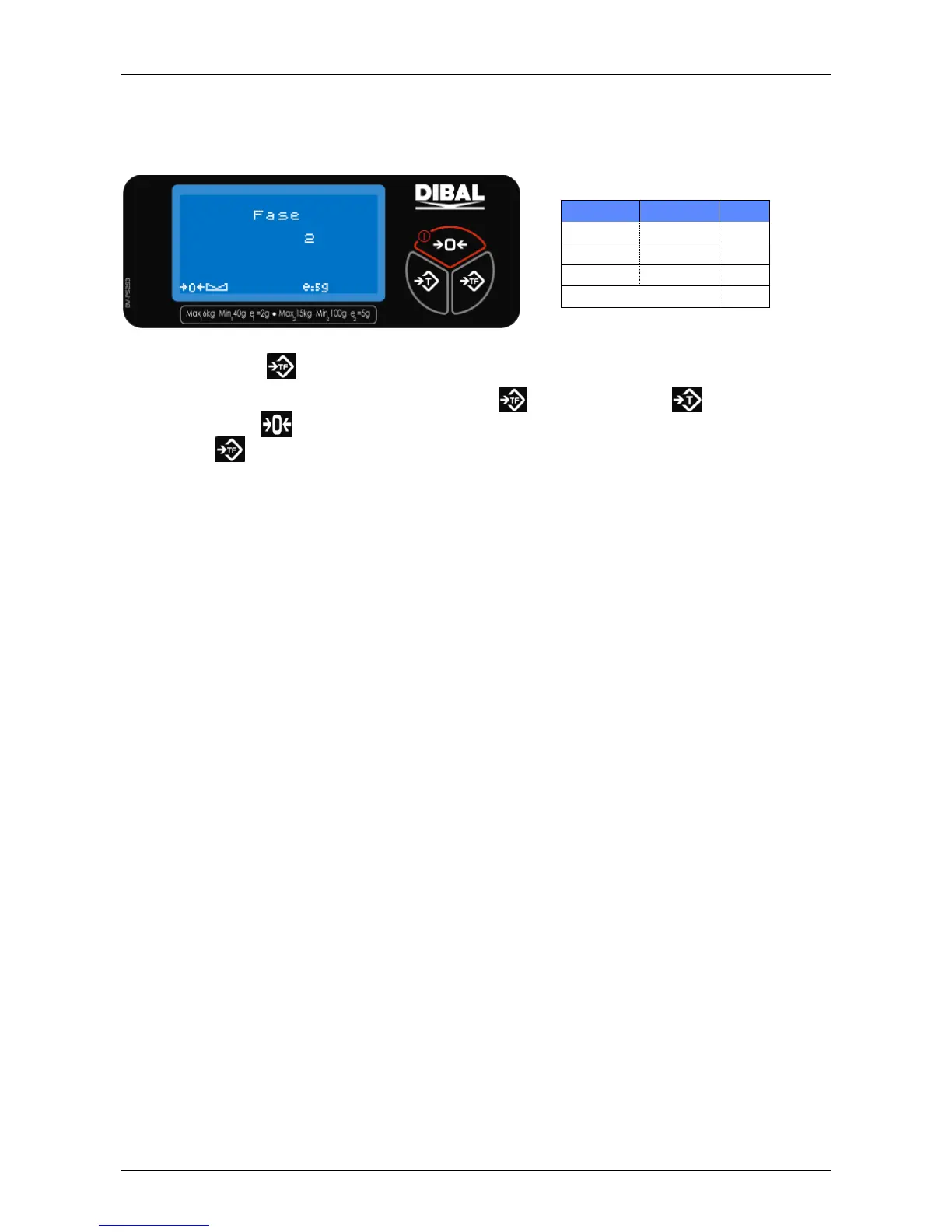
1.4 Euro phase
This adjustment indicates the phase of the Euro. To change the phase you have to enter the corresponding
code from attached table.
Press 2 times the key to enter to this menu.
To introduce the code you have to press again the key . Then press the key to change the first
number. Use the key to select the following number.
Press the key to apply the changes (if the code is incorrect the scale does not do anything) and return to
the main screen.



 To Next Page